
UPDATE 11/25/2019 : Added link to download working mulibrand template examples at the bottom of this how-to.
Here is how to structure the one email template that Zendesk provides in order to support multiple brands so that the emails sent out are all unique to each brand (colors, logos, fonts, formatting, etc.).
Goals:
- One HTML email template configured to support each brand's unique header and footer content (more than just logo art and tag lines).
- Total control over the content of the email with different types and amount of content (above and/or below the body region) included in the email (in addition to branding).
- No burden on any of the dozens or more Triggers that would otherwise have to be loaded with header HTML and would have to be edited over and over when template changes are made. (Zendesk's example has you place the logo and other HTML in each Trigger).
- No cloning of Triggers necessary for each brand that would otherwise be needed to provide branded emails.
- Works for all browsers (web mail) as well as native Mac & Windows email clients (Outlook for Windows is notorious for issues with HTML templates).
- Responsive design to work with desktops, laptops, tablets, and mobile phones.
Requirements:
- Zendesk Support Enterprise (up to 5 brands) or Support Enterprise with the Multibrand add-on (up to 300 brands).
- Completed/tested HTML based pages (email templates). One for each of your brands. (or use the example template included at the bottom of this how-to).
Suggestion:
- If at all possible have each of your brands HTML email pages use the same core framework, CSS, etc. While this is not required, it will save on debugging and make editing easier in the future.
Caveat (maybe):
- I don't know the maximum file size of HTML that Zendesk will accept in the email template, but ours is already at 52KB and it works.
To make your life easier and to meet the last two goals, you must start with fully tested HTML pages for each brand that will then be used to become components in your Zendesk email template. This article does not cover the creation of your HTML pages, except to say that you want to have tested each HTML email page in all the browsers, clients, and device types your users may have before you start the process to 'cut them apart' to assemble them into Zendesk's email template to support multiple brands. This will save you many hours of testing and headache.
The key to make this work is that we need a way for the one email template to 'know' which brand a given email belongs. The answer to this came from a comment by Luiza Gusmão in this Zendesk support article called Using the email template with multiple brands (Enterprise) where she stated that the system placeholder {{footer}} (which is part of the default email template) returns a text based sentence that contains the name of the Brand (as defined in the Admin > Manage > Brands page).
The actual text returned by {{footer}} is as follows:
This email is a service from [YOUR BRAND NAME].
Where [YOUR BRAND NAME] is the text found in each Brand's 'Brand Name*' text field.
With this you can use Liquid markup's 'case' and 'when' statements to trigger off the value of {{footer}} to change the HTML used in the email template to match what you want for each of your brands. After much trial and error testing of my own, here is the outline to follow to create an email template for any number of brands.
Instructions for the email template outlined below:
UPDATE: Links to download more detailed and simpler templates are included at the bottom of this how-to. These are working examples ready for you to customize to your brands.
Replace all example [html/text] with your actual HTML and or text for that object.
The {{placeholder}} and {% code %} blocks remain where they are.
Anything contained in <!--- are my comments which should not be used in your template -->.
<!-- START Template -->
[HTML <html><head> sections and beginning <body> HTML required before the delimiter placeholder.]
{{delimiter}}
{% case footer %}
{% when 'This email is a service from [YOUR BRAND NAME A].' %}
<!--- what was missing in Luiza's example is the '.' right before the closing single quote mark. Without that period you won't get a match. -->
[HTML Body Brand A - specific header HTML - e.g. logo and other template content]
{% when 'This email is a service from [YOUR BRAND NAME B].' %}
[HTML Body Brand B - specific header HTML - e.g. logo and other template content]
<!--- Repeat the {% when... %} and [HTML] header pairs for each additional brand you have. -->
{% else %}
[HTML Body generic intro HTML (for agents/groups)]
<!--- While this is optional, it does make the agent/group notification emails from your Triggers look correct with a styled header and footer. If you choose to omit this, also remove the {% else %} line above it. This does not have to be 'generic' HTML, it could be a copy of your main brand, or that of your corporate identity. Because the emails that are sent to your agents will have a common header and footer, I place at the top of each Trigger that sends an email to agents/groups the Zendesk placeholder {{ticket.brand.name}} More on this below. -->
{% endcase %}
{{content}} <!--- This of course is the body of the email that comes from your defined Trigger email body section. -->
{% case footer %}
{% when 'This email is a service from [YOUR BRAND A].' %}
[HTML Body Brand A - specific footer HTML, including closing </html>]
<!--- This HTML block can also contain the actual {{footer}} placeholder. -->
{% when 'This email is a service from [YOUR BRAND B].' %}
[HTML Body Brand B - specific footer HTML, including closing </html>]
<!--- This HTML block can also contain the actual {{footer}} placeholder. -->
<!--- Repeat the {% when... %} and [HTML] footer pairs for each additional brand you have. -->
{% else %}
[HTML Body generic footer HTML, including closing </html>]
<--- I recommend that you include the {{footer}} placeholder in with the HTML here as it provides additional ticket info for agents. Again this section is optional, if you remove it, also delete the {% else %} line above. -->
{% endcase %} <--- This is the last line of your email template. -->
<!-- END Template -->
The emails that are sent to CC users (as defined in Admin > Settings > Tickets > CCs) will use the HTML of the brand that is in force. Like a Trigger, the info defined in the settings for CCs will be replace the {{content}} block.
As I mentioned in a code comment above, emails that are sent to Full Agents, Light Agents, and Groups are not styled to each brand that you have. (If it exists, I have not found a way to style agent emails for each brand). With this template, emails sent to Agents & Groups will have a common look across all brands, as those emails use the HTML setup in the {% else %} sections of the template.
If you choose to not include the 'generic' HTML in the {% else %} sections then your emails that are sent to Agents/Groups will only contain what is in the {{content}} block from the Triggers.
To solve this issue, and identify which brand each of the emails sent to agents/groups belong to, you have to add the brand name in each of the Triggers that go to your agents/groups. To label each Agent/Group email with a brand do the following:
Email subject: [{{ticket.brand.name}}] re: {{ticket.title}}
Email body: <strong style="font-size: 18px;">{{ticket.brand.name}}</strong>
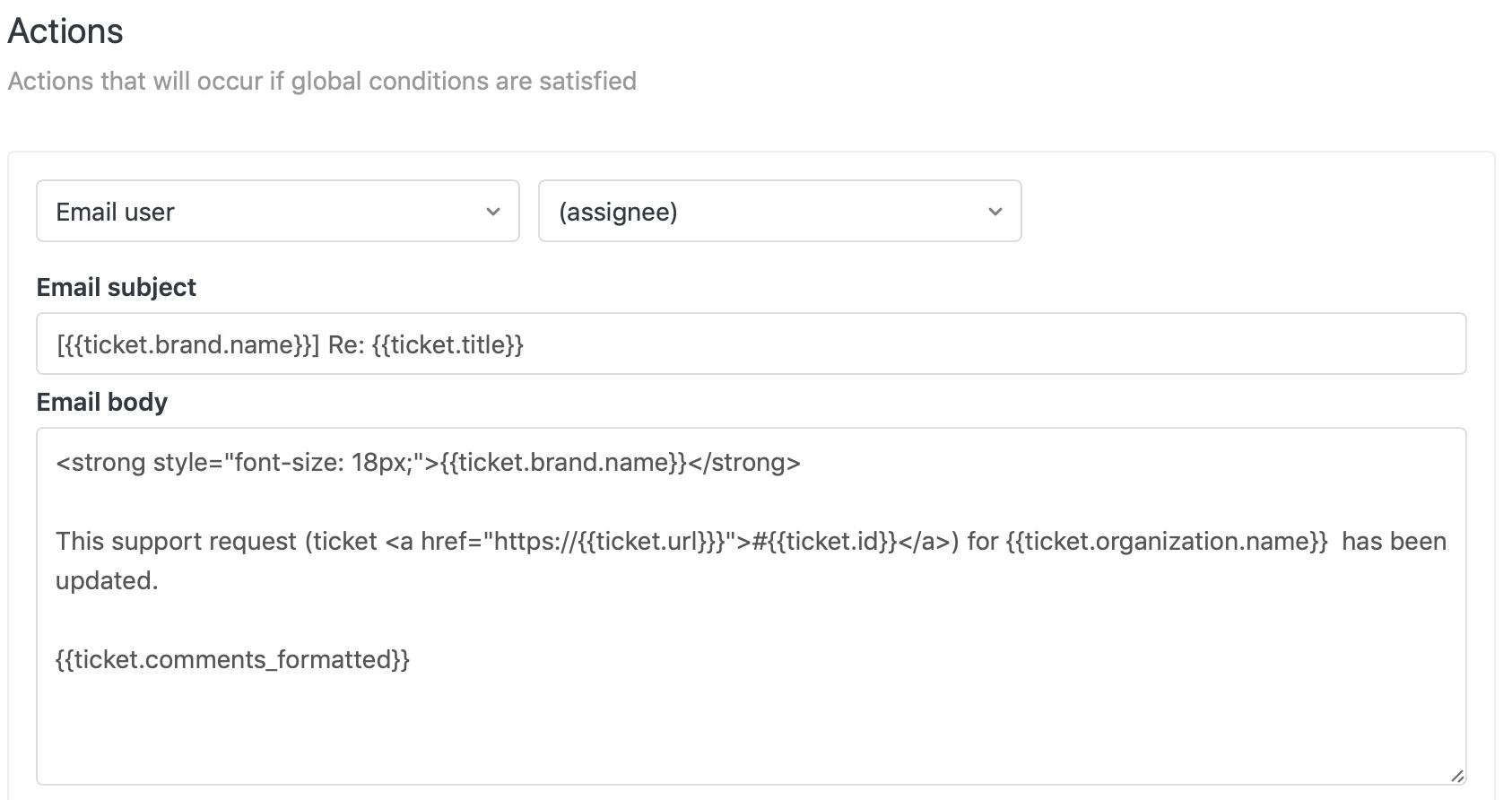
Remember this is only needed for Triggers that target emails to Agents/Groups, you don't have to do this for the Triggers that send emails to your users, as your HTML in the email template will do that.
Assumption:
My example process for the multibrand email template above assumes that you can get your HTML <head> section developed to support all your brands. If this is not the case, then you can do the same for the HTML <head> section as you do for the other sections. At the top of the email template outline above, replace everything above the {{delimiter}} with the following code blocks:
<!-- START Template -->
{% case footer %}
{% when 'This email is a service from [YOUR BRAND NAME A].' %}
[HTML <html><head> sections and beginning <body> HTML required before the {{delimiter}} for Brand A]
{% when 'This email is a service from [YOUR BRAND NAME B].’ %}
[HTML <html><head> sections and beginning <body> HTML required before the {{delimiter}} for Brand B]
<!--- Repeat the {% when... %} and [HTML] pairs for each additional brand you have. -->
{% else %}
[HTML <html><head> sections and beginning <body> 'generic' HTML]
{% endcase %}
Recommendations:
To be fully compatible with client email apps, desktop browsers, mobile browsers, and especially Microsoft Outlook for Windows/Office 365, you will need to fully test your HTML email template to be sure it renders the way you want before you carve it up into the sections for the Zendesk email template
To get the broadest compatibility across applications and platforms, and have a cool email design, make sure you develop your email template with modern well structured HTML using CSS3, If that is not possible, then the simpler you can make the template (and still meet your desired layout and look) is your best approach to the widest compatibility.
To render structured emails correctly, mobile apps and browsers (iPhones, iPads, and all Android phones and tablets) will require an HTML template that is based upon CSS3 or a flexible CSS framework.
Warning:
Microsoft Outlook for Windows/Office 365 has it's own demons that can cause major headaches (especially if you use any <table> base HTML in your email template). Interestingly Microsoft Outlook for Mac does not have the HTML <table> rendering issues that the Windows version has.
Best Practice:
Of course your HTML email template should absolutely be accessible (WCAG 2.1 standards compliant) for those who are differently abled.
Is there anything I missed, let me know. Happy email template building!
UPDATED: Below is a link to download my Zendesk Multibrand email template for use with this How-To. There are 3 versions: 1. Simple commented template for two brands. 2. Simple uncommented template for 3 brands. 3. A detailed HTML 2 brand template based upon what we use for our Zendesk brands.
This third template is for web developers to get a sense of the complex layouts that are possible. This third template is also tested to have the chosen layout to work with Microsoft email clients.
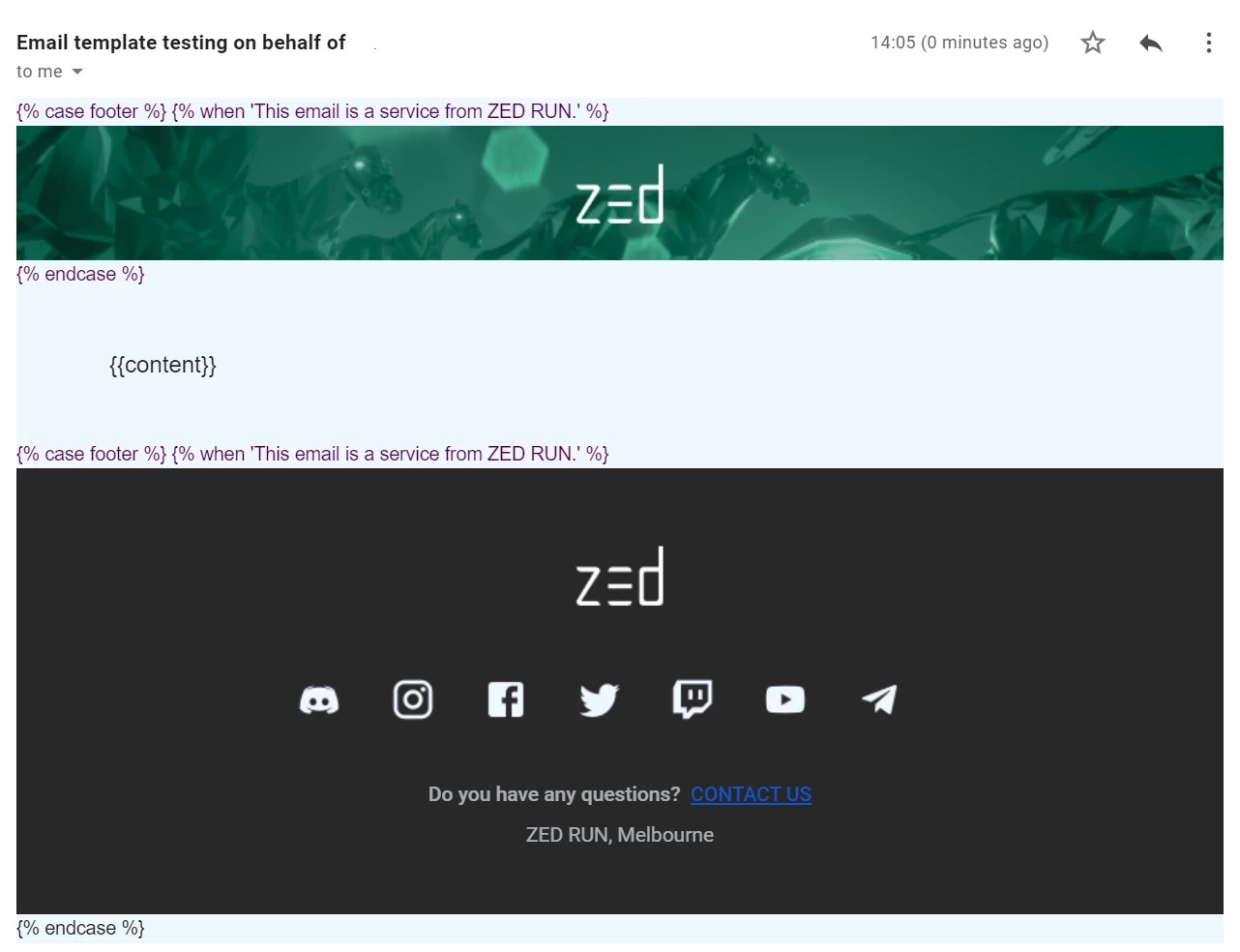
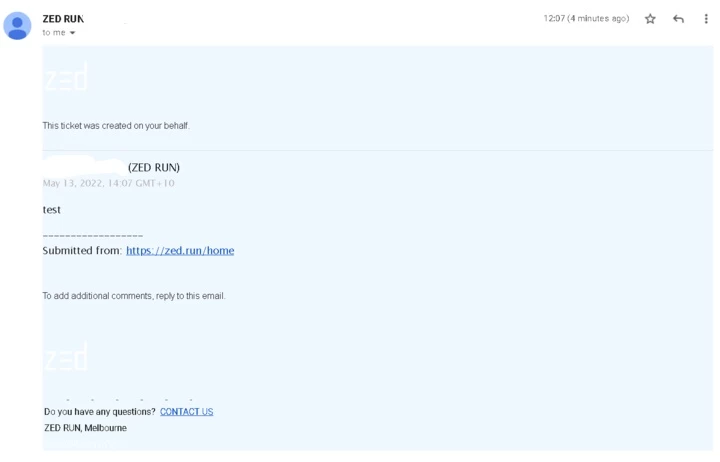
Note that if/when you load them in your browser to view, you will see all the brands' email tops and bottoms as your browser does not parse the unique Zendesk tags that control which brand's top/bottom wrapper is used for a given brand's email.
https://www.dropbox.com/s/vn2xlkyjsmggj38/Zendesk%20Multibrand%20Email%20Templates.zip?dl=0




Thanks so much for posting this workaround! For visibility to our product team and to allow others to add their upvotes and comments, would you mind posting to our Feedback - Help Center (Guide) topic, using this template? Your workaround would be very useful, so our team can see the level of work required to get around the current product limitations. Thanks!