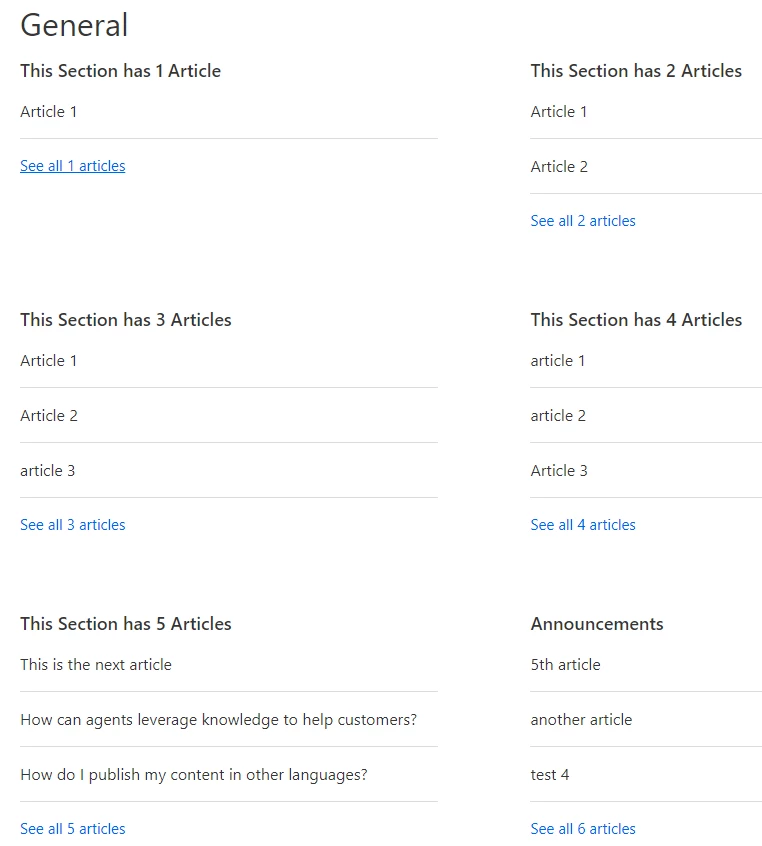
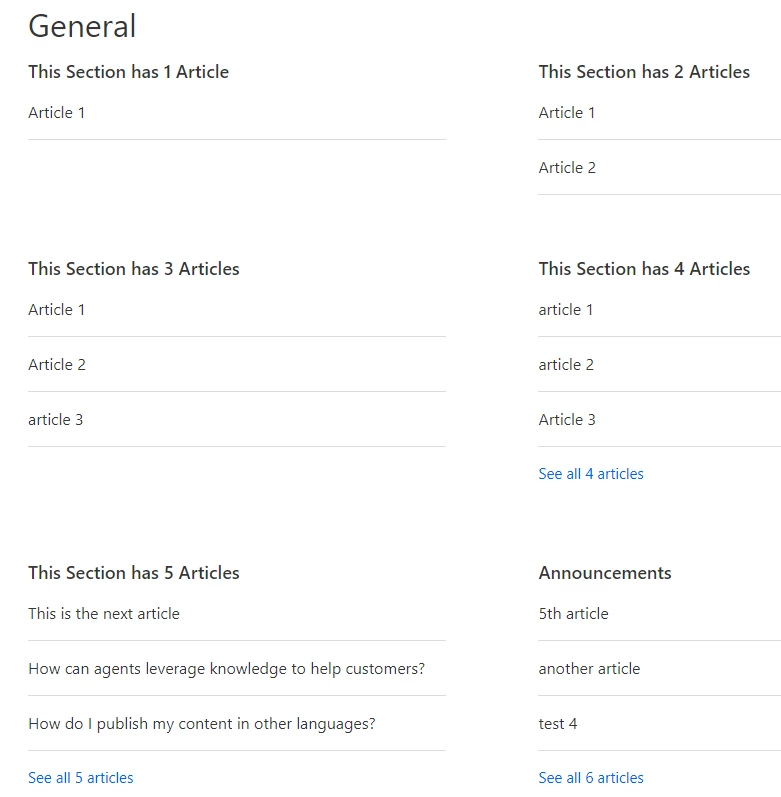
Show less than 6 articles on Category.hbs template | Community
Skip to main content

Show less than 6 articles on Category.hbs template

  • December 4, 2013
  • 165 replies
  • 0 views

Show first post
This topic has been closed for replies.

165 replies

Jennifer16
  • November 29, 2017

Thanks for updating it Wes!


Trapta
  • November 30, 2017

@Martijn-S

You're right on the downside about jQuery technique. In fact, your solution is more precise than the one I mentioned. One should use your solution over mine.

Thanks for sharing it :)


  • January 15, 2018

Hi Wes, in my case I would like instead of showing "See X articles" i would like to show every single article i have tried using some code you left behind 

//Trick zendesk into showing all articles
$('ul.article-list li a').removeAttr('data-asynchtml-ressource');


but it simply doesn't work can you help me? Thank You


ModeratorWes

@Marta - There are a couple different ways you can go about this.  I would recommend you take a look at this tip by Diziana.  I've used this tip a few times for clients and I believe its the best way to keep the home page short and clean.  This tip will still have the See X articles but when a user clicks it, it will load all the articles on the home page so it saves a few clicks.  Take a look at that tip and let me know if that will work for you.


  • January 15, 2018

Hi Wes thank you for answering.

No, i really don't want "see all 12 articles" to appear one example that I can give you is the helpdesk of slack. They use zendesk and in the category folders all articles are shown https://get.slack.help/hc/en-us/categories/200111606 and i wanted something like that. Thank you


Trapta
  • January 16, 2018

Hi @Marta,

In that case, you can use the {{section_tree_with_article}} component of Zendesk and tweak UI to make it look like a list or as per your needs.

The one you have mentioned as an example is using the same technique but keep in mind that this component also has restrictions on 30 articles. It will not list more than 30 articles of a section.

Thanks

Team Diziana


  • January 16, 2018

Hi @Trapta 

thank you for your answer after some research i really can't understand where i'll use {{section_tree_with_article}}  can you please help me more. I haven't mentioned and I don't know if it matters or not but i am changing the Copenhagen theme. In my case i don't have any category with 30 articles so that should work just fine. Thank you so much for your feedback and i'll be waiting for you help thank you


Trapta
  • January 16, 2018

@Marta,

If you want to show the list on the homepage, then you can use {{category_tree_with_article}} helper. Its availability is on the homepage only.

If you want to show the list on category template, then you can use {{section_tree_with_article}} helper. Its availability is in the category template only.

Both of the components are available for Copenhagen Theme so, the theme will not be an issue. To add the helpers you have to edit the code. If you need step by step instructions for it, then you can take a look at this post.

Let me know if this works for you.

Thanks


  • January 16, 2018

@Trapta, 

yes sorry, it doesn't help me cause the post that you linked me is about removing from the home page and also when i add {{section_tree_with_article}} and when I publish it shows an error about not existing.

But yes i do want to show the list in each category so it will be on the category page. 


Trapta
  • January 16, 2018

@Marta, I double checked it on my side and this helper is not showing any error while using it in category template. Are you adding it to category template?

Thanks


  • January 16, 2018

@Trapta,

it is working I was adding it in the category page but in a weird place and therefore getting an error.

Thank you.


  • January 16, 2018

Hi, @Trapta @Wes again the last tip worked fine but now I also wanted to have something like https://get.slack.help/hc/en-us/categories/200111606 where on the right side shows all the names of the section and shows the active one when scrolling, I don't know if I should leave my question here but do you think you could help me?


  • February 28, 2018

Hi,

Can someone please tell me how to show ALL the articles under the section instead of the "show more" link? A code sample would really help.


Thanks


  • March 7, 2018

Hi Amritha! Welcome to the Community!

One of our Community members wrote up a Tip on how to do this exact thing! You can find it here. Let us know if you need anything else!


  • April 9, 2018

@wes I have been trying to get your code to work and I am running into an issue. Can you take a look at my page and tell me what I'm doing wrong? I am only trying to see 3 articles on the category page. 

https://actiontec.zendesk.com/hc/en-us 


ModeratorWes

@Mike - Add this into your CSS file

.article-list li:nth-child(n+4) {
display: none;
}


  • April 9, 2018

@wes, Thanks that did the trick. 


  • April 9, 2018

@wes, But now on the section page, I only see three articles there. there is no link to show the rest. 


ModeratorWes

@Mike - First all there is no way for me to really test any of this as you are on a theme that is outdated.  I highly recommend that you upgrade to the new responsive Copenhagen theme.  You can give this a try.

In your HTML add the class = cat-page like below.

<section class="section cat-page">

Then in your CSS 

.cat-page .article-list li:nth-child(n+4) {
display: none;
}


  • April 10, 2018

@Wes I will try this today. I also had the same issue in my sandbox which had the upgraded theme. Thanks again for all your help. I'll let you know how it goes.


  • April 17, 2018

@wes

I have switched to the upgraded theme in my sandbox to test the settings you gave me and they work thanks again for the help. 


ModeratorWes

@Mike - glad to hear you got everything sorted.  Best of luck and you know how to reach us if you run into any other issues.


  • September 18, 2018

@trapta when using {{section_tree_with_article}} on the Categories page, if the user clicks one of the articles, it displays the full content of the article in-line. Is it possible to simply take the user to that article instead?


Trapta
  • September 19, 2018

Hi, @Jake

Just put the below code at the bottom of your template and you will be good to go.

<script>
$('.section-tree-with-article .article-list > li > a').click(function(e){
e.stopPropagation();
window.location.href = $(this).attr('href');
});
</script>

Let me know if you face any issue.

Team Diziana


  • September 19, 2018

@Trapta - perfect, thank you!