

This article will cover how to offer end-users suitable contact options when they need help while browsing the Zendesk help center.
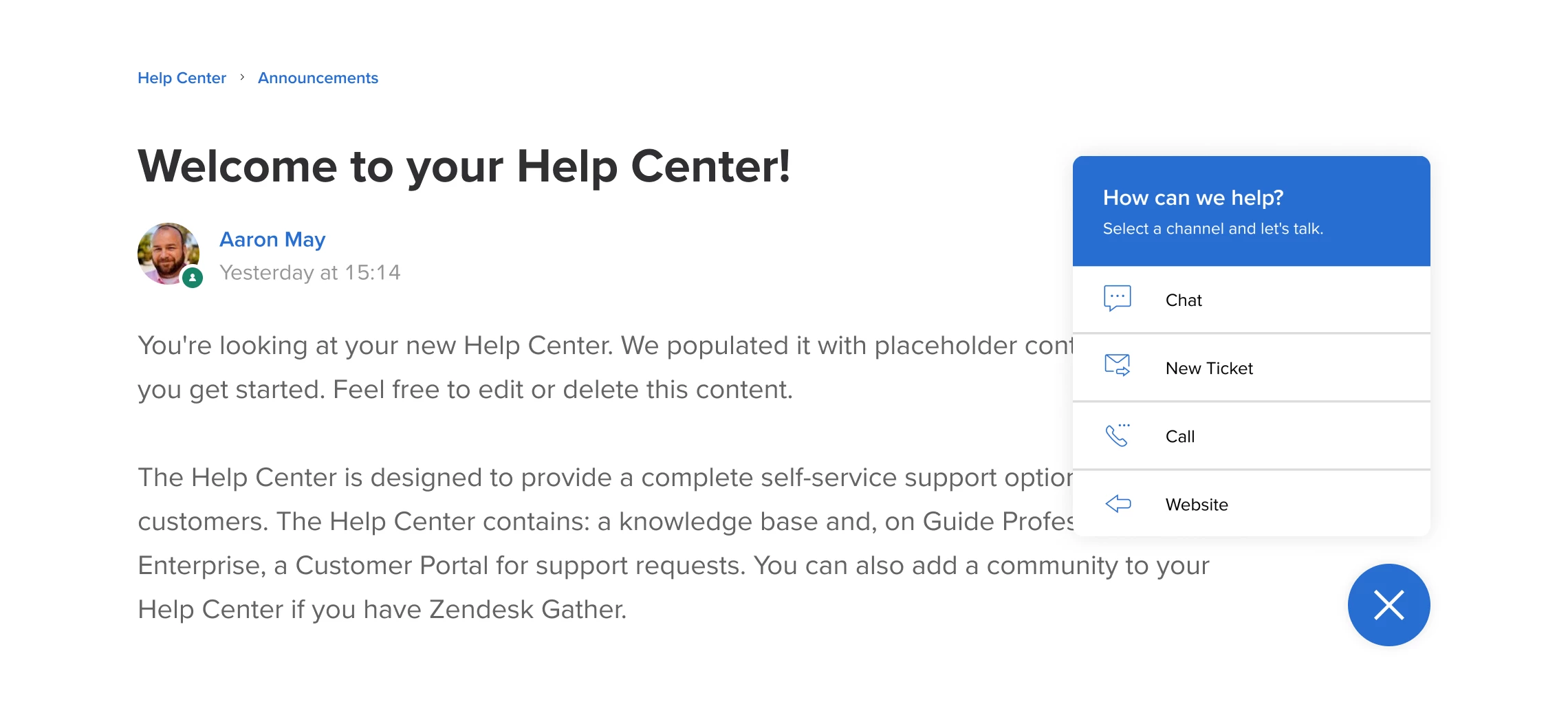
This small button in the lower-right corner of the help center lets users see all the options for contacting support staff with just one click on any page.
You can change every link in the contacts widget, or add a new one:
- Link to the website
- Zendesk Chat
- Submit a ticket
- Make a call
- Other contact options
It's possible to change the following:
- title and description
- colors
- link names
- icons
- individual items enabled and disabled.
- events triggered by clicking on an element
Best,
