

If you want to create professional, branded emails in Zendesk without working with HTML, there’s an easy way to do it.
There’s an intuitive drag-and-drop template builder inside the Proactive Campaigns app that lets you design your own layouts, add your logo, choose colors, and structure content visually.
You can also maintain a library of templates within the app, including both your custom designs and free, ready-to-use templates, so you can reuse or modify them for future campaigns.
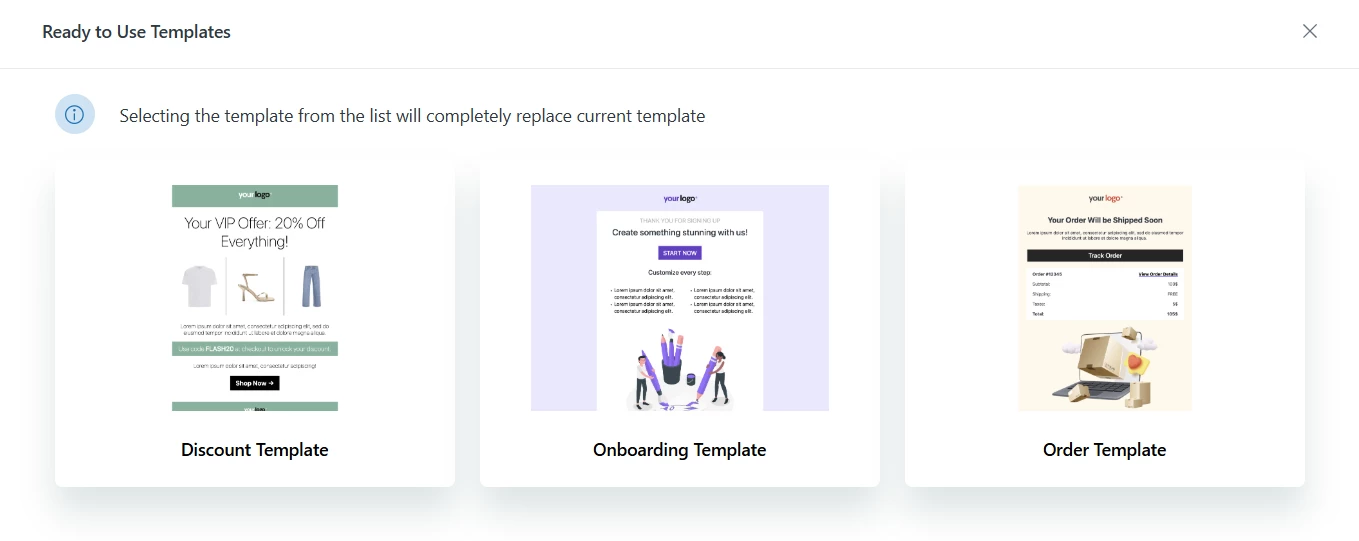
Some common types of email templates you can create:
- Newsletters: keep customers updated with your latest news or content
- Announcements: share important updates, changes, or releases
- Reminders: appointment or task reminders for customers
- Promotions: special offers, discounts, or campaigns
- Onboarding emails: guide new customers or users through setup or features
- Follow-ups: check in after support interactions or campaigns
If you want to see it in action, here’s a video overview of the template builder.