Change text for "My Activities" in HC | Community
Skip to main content

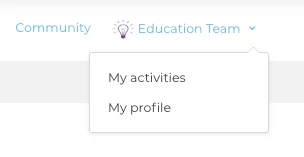
Change text for "My Activities" in HC

  • October 24, 2013
  • 35 replies
  • 0 views

Show first post
This topic has been closed for replies.

35 replies

  • June 6, 2017

Hi Raquel,

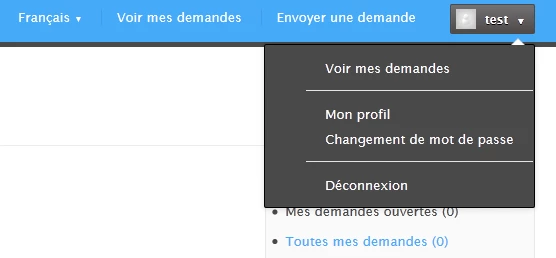
I think that Zendesk has changed how they identify languages, so you may have to use 'fr' or 'en-us' instead of writing it out as 'Français'. 

Hope that helps!


  • October 24, 2017

I'm having some trouble getting this to work as well. I'm wondering if I'm in the wrong place? I'm not sure where exactly I should be adding those lines of code.


Nicole17
  • October 24, 2017

Hey Annie - 

I see that this is your first post - welcome to the Zendesk Community! I've pinged a few folks internally to take a look and see if this article needs updating; we'll get back to you on that once they've had a chance to review it. 

In the meantime, I encourage you to head over to the Welcome thread and introduce yourself. 


  • October 24, 2017

Great thank you!


Jennifer16
  • October 26, 2017

Hi Annie,

The UI did change back in May so the first step (which is an important one! :) was incorrect. I've updated it, so see if you can get to the right place now to add the code snippet to your Help Center JavaScript code.

This article also describes how to edit the JS, if you need more help.

Let us know how it goes!


  • March 22, 2018

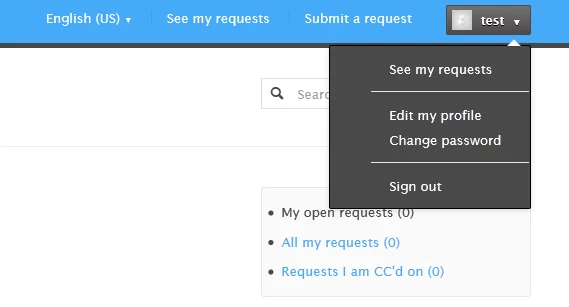
It doesn't look like that code works anymore (at least with the Copenhagen Theme), so for anyone still running into this problem, I found this works!

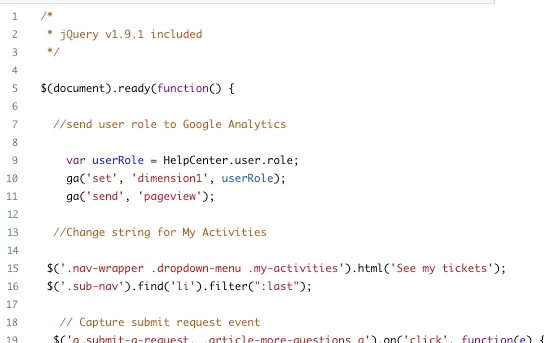
 $('.nav-wrapper .dropdown-menu .my-activities').html('See my tickets');
$('.sub-nav').find('li').filter(":last");

  • March 27, 2018

Thanks for sharing, Emily!


  • September 11, 2019

Hi Team,

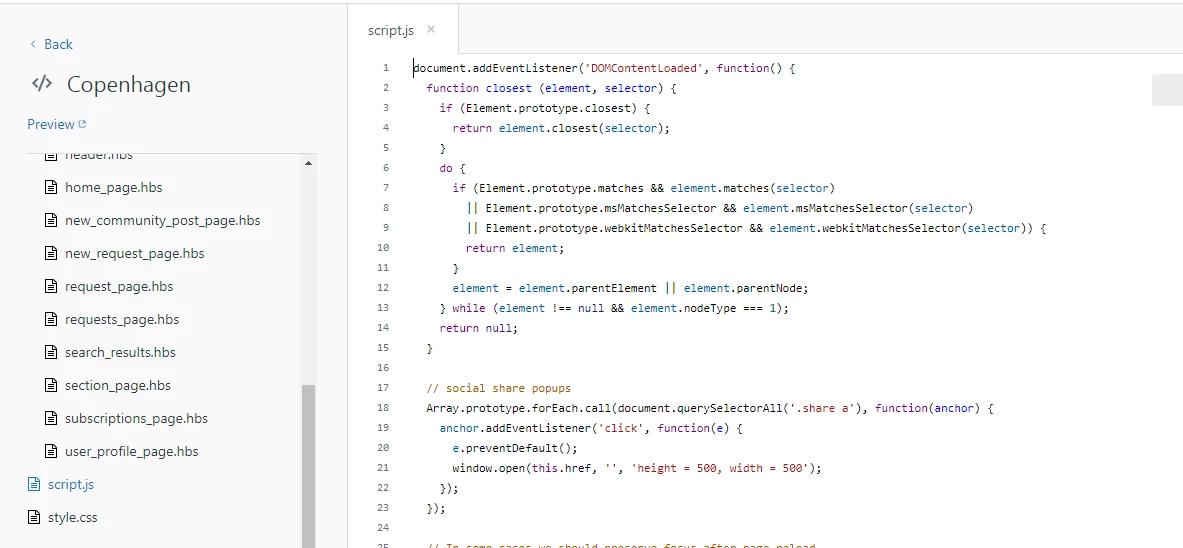
Sorry for being naive ... I'm new to Zendesk...I'm trying to follow the steps here... but wondering what exactly you are pointing as JS tab? When I click on View Theme --> Edit Code I see something like below...

I understand that the .hbs file refers to different pages/sections of the Help Center applications...and we got the script.js file....I don't see any thing specific as JS tab...can anybody please help me..

Many Thanks

Suman


Jennifer16
  • September 11, 2019

Sorry for the confusion, Suman.

There used to be a JS tab, but now it's a file. Edit the script.js file.

Hope that helps! We'll update the instructions above.


  • December 20, 2019

I see no change in the Preview mode with either of these (added to script.js)

$('.nav-wrapper .dropdown-menu .my-activities').html('See my tickets');
$('.sub-nav').find('li').filter(":last");

or

$('.user-nav .my-activities').html(' See my requests');
$('.sub-nav').find('li').filter(":last");