It's my first try at Community tips, English manual writing and explaining CSS. Bear with me :-)
With the new Help Center a lot of nice stuff has become available. Including CSS modding. This allows for the modification of your font family. Let's explain some things first.
Note: If you'd like to use Google Fonts, check out this tip from Wes Drury.
About font families
Most companies use a regular font like Arial or Helvetica. These fonts are a way of showing your text. Some fonts are really modern while others are more elegant. The way you want to show your text, is a personal taste. Most businesses have requirements when it comes to writing text. In almost every case the font family and the size is a basic requirement.
Here is where the tricky part starts. Some companies, like mine, use a custom font. Specially tailored to your needs, a custom font a very cool way of making eye candy out of everything. But it requires some additional work when it comes to websites and Help Centers from Zendesk. So let's get started.
Ingredients
-
A custom web font, with the following files
- webfont.ttf
-
webfont.eot
-
webfont.svg
-
webfont.woff
-
Custom theme in the Help Center
-
Some CSS skills (Beginner HTML & CSS Level is good enough)
How to do it
Now you have all the ingredients, lets start baking the new font into your Help Center.
Steps:
- Open the Help Center.
-
From the tools panel, select Customize design.
-
Select Edit Theme.
-
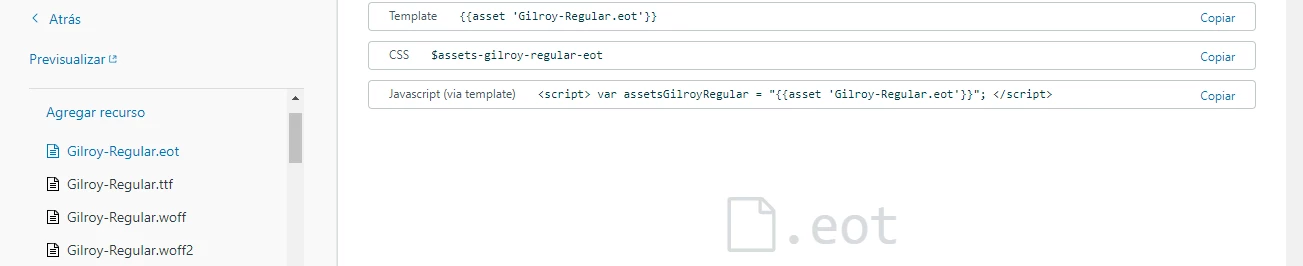
Open up the Assets folder
-
Upload all four files. Zendesk will create a link for you.
-
Go to the CSS Tab and write the following code. (Somewhere you can remember. I suggest at the bottom.)
@font-face {
font-family: 'Regular';
src: local ("Regular"),
src: url('//company.zendesk.com/hc/assetslink.eot');
src: url('//company.zendesk.com/hc/assetslink.eot?#iefix') format('eot'),
url('//company.zendesk.com/hc/assetslink.woff') format('woff'),
url('//company.zendesk.com/hc/assetslink.ttf') format('truetype'),
url('//company.zendesk.com/hc/assetslink.svg#webfont') format('svg');
font-weight: 400;
font-style: normal;
}
Note: If you modify your Zendesk URL, you must insert that in the code. In my case, that's support.connexys.nl. That will replace the company.zendesk.com part. When agents log in, the URL changes, making the Font not available, but customers will see the proper font.
7.
Replace the zdassets.com URLs with your URLs. Be very careful with the ' at the beginning and ' at the end.
- You may rename the font family anything you like. Just remember, don´t use the spacebar, use_an_underscore.
- Now let's activate the font within the CSS.
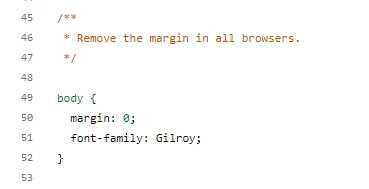
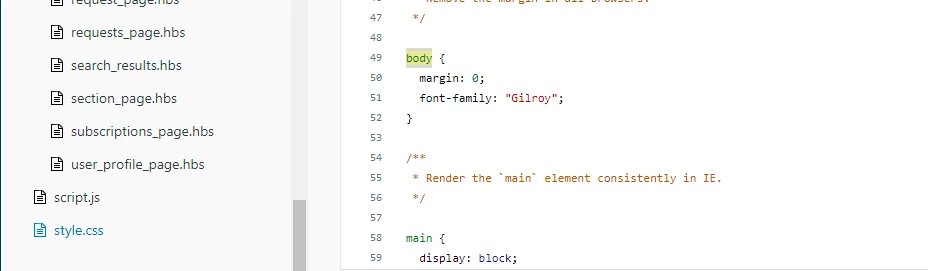
- Go to the Body { code. Add in the following code. The $font_1; should be there already. Replace this. And of course, replace your_webfont_name. > /* font-family: $font_1; */
font-family: your_webfont_name;
- Go to the a { code. Add in the following code. $font_2 should be there. Replace this. > /* font-family: $font_2; */
font-family: your_webfont_name;
-
Go to the h1, h2, h3, h4, h5, h6 { code. Add the following.
font-family: your_webfont_name;
-
Go to the .dropdown-toggle. Add the following.
/* font-family: "entypo"; */
font-family: your_webfont_name;
That's it!
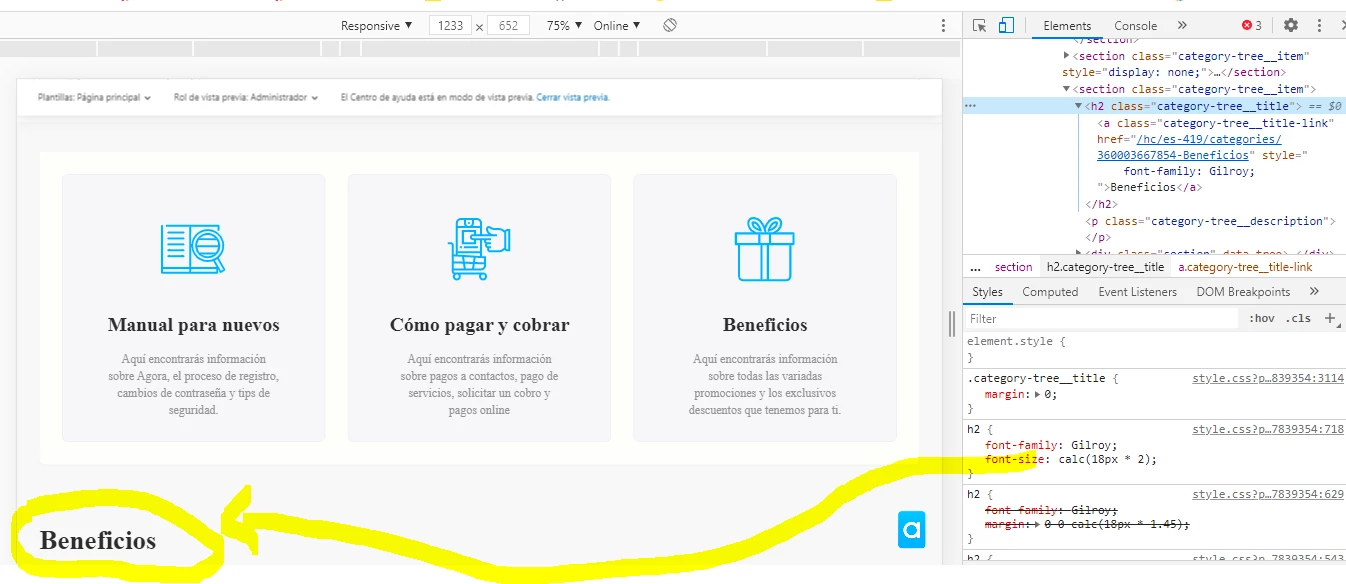
Now you have replaced most of the fonts within the CSS. Your Help Center will now appear in your (custom) font. If you find any text that isn't showing in your font, look in the CSS for 'Font-family: not-your-font; And replace this.
Note: Don't add the Font of the CSS .search:before, .search-small:before. It will remove the Search icon in the Swiftest Elk theme.
The best way of replacing font codes is using one of the examples above. In those examples we exclude the Zendesk code without deleting it. If you ever want it back, it saves you a lot of searching and typing.
Happy coding!