
Our team adds context to our articles by adding colored notes in our articles. You can do this as well by following the below instructions
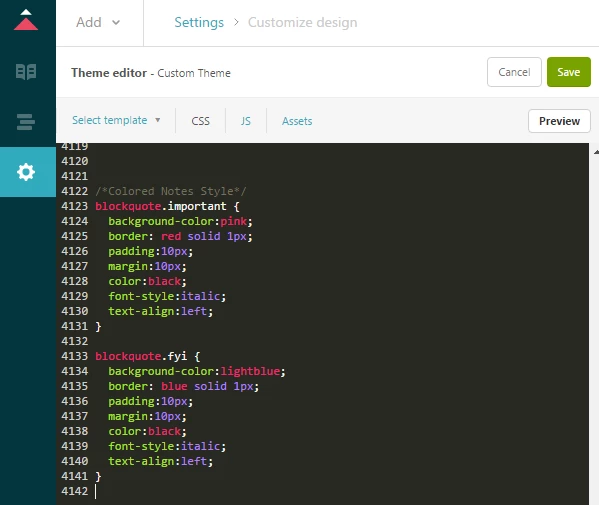
Add CSS to your theme
- Click on Guide admin
- Click Settings
- Click Customize theme
- Click Edit theme
- Select the CSS tab
- Paste the following CSS code at the bottom of your code
/*Colored Notes Style*/
blockquote.important {
background-color:pink;
border: red solid 1px;
padding:10px;
margin:10px;
color:black;
font-style:italic;
text-align:left;
}
blockquote.fyi {
background-color:lightblue;
border: blue solid 1px;
padding:10px;
margin:10px;
color:black;
font-style:italic;
text-align:left;
}
- Click Preview
- Click Publish
Add some classy blockquotes
- Edit an article you want to add a colored note to
- Click the Source Code button
- Surround your note with the following code replacing ADD YOUR NOTE HERE with your message
<blockquote class=”important”>ADD YOUR NOTE HERE</blockquote>
Change the class to “important” for a pink note.
<blockquote class=”important”>You really need to know this</blockquote>

Change the class to “fyi” for a blue note.
<blockquote class=”fyi”>This is good to know, but not imperitive</blockquote>





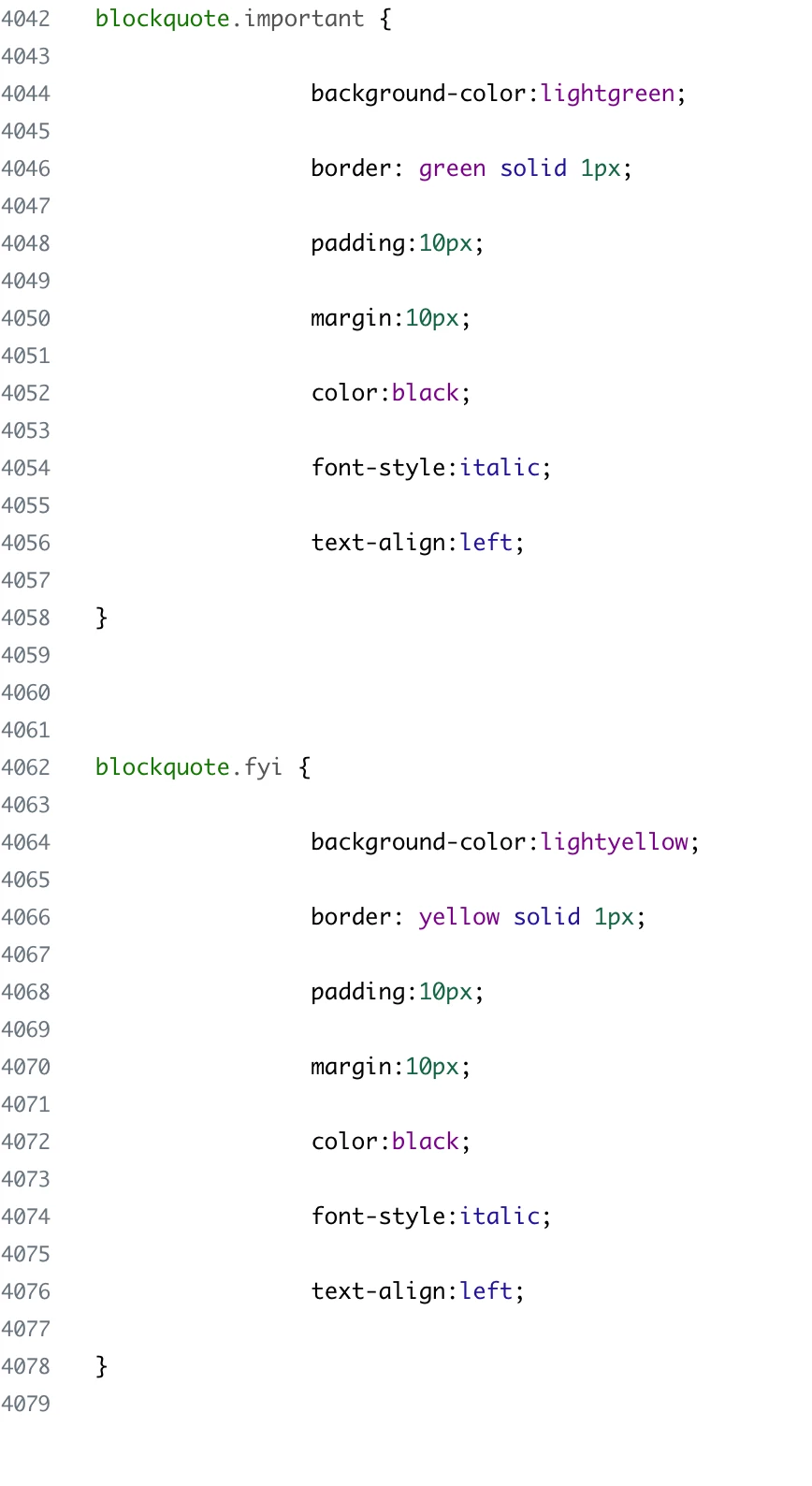




@ eagleapk don't know much about CSS but I'm able to call out things by making a one-cell table and adding color.