Web widget configuration not being recognized - leading to error | Community
Skip to main content

Web widget configuration not being recognized - leading to error

  • August 11, 2022
  • 7 replies
  • 0 views

We had a running web-widget in our trial period.
After upgrading the account to a payed one, the web-widget stopped working (no changes made).
 
Web Widget had been added via Embed Code, configured to not show a standard bubble, but be opened via the "zE("messenger", "open");" call.
This call, as well as "zE("messenger:on", "unreadMessages",...)" both fail with the error message "Check out the Developer API docs to make sure you're implementing it correctly, https://developer.zendesk.com/embeddables/docs/widget/introduction" taking this and the following documentation into account https://developer.zendesk.com/documentation/zendesk-web-widget-sdks/sdks/web/sdk_api_reference/ it is setup like explained.

7 replies

Eric27
  • August 11, 2022
Hey Johannes,

Can you provide the full code snippet (omitting the key) for us to take a look at?

Thanks!

  • Author
  • August 11, 2022

Hi Eric,

We embed the widget via:

<script id="ze-snippet" src="https://static.zdassets.com/ekr/snippet.js?key=*****"> </script>

And have an onclick listener to open the chat:

onClick: () => {
// @ts-ignore:next-line
zE("messenger", "open");
}

Plus a listener for new messages

zE("messenger:on", "unreadMessages", function (count) {
if (!mounted.current) return;
setZendeskNotificationCount(count);
});

So, quite straight forward I assume.

Best,

Johannes


Eric27
  • August 15, 2022
Hey Johannes,

Have you marked that you're using a custom launcher in the admin settings? 
 
Thanks!

  • Author
  • August 15, 2022

Hi Eric,

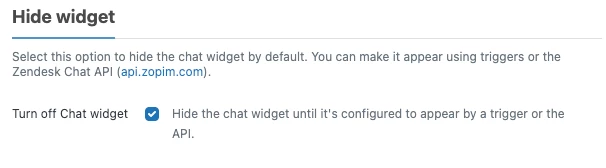
Thank you for your reply! Checking it now, and it did change. After setting it to "hide widget", it now is hidden. But, the SDK calls are now different ones:

zE("messenger:on", "unreadMessages", function (count) {...})

has to be changed to:

zE('webWidget:on', 'chat:unreadMessages', function(count) {});

Do you know what the difference is? And, sadly, the "open" call does not work if the button is hidden.

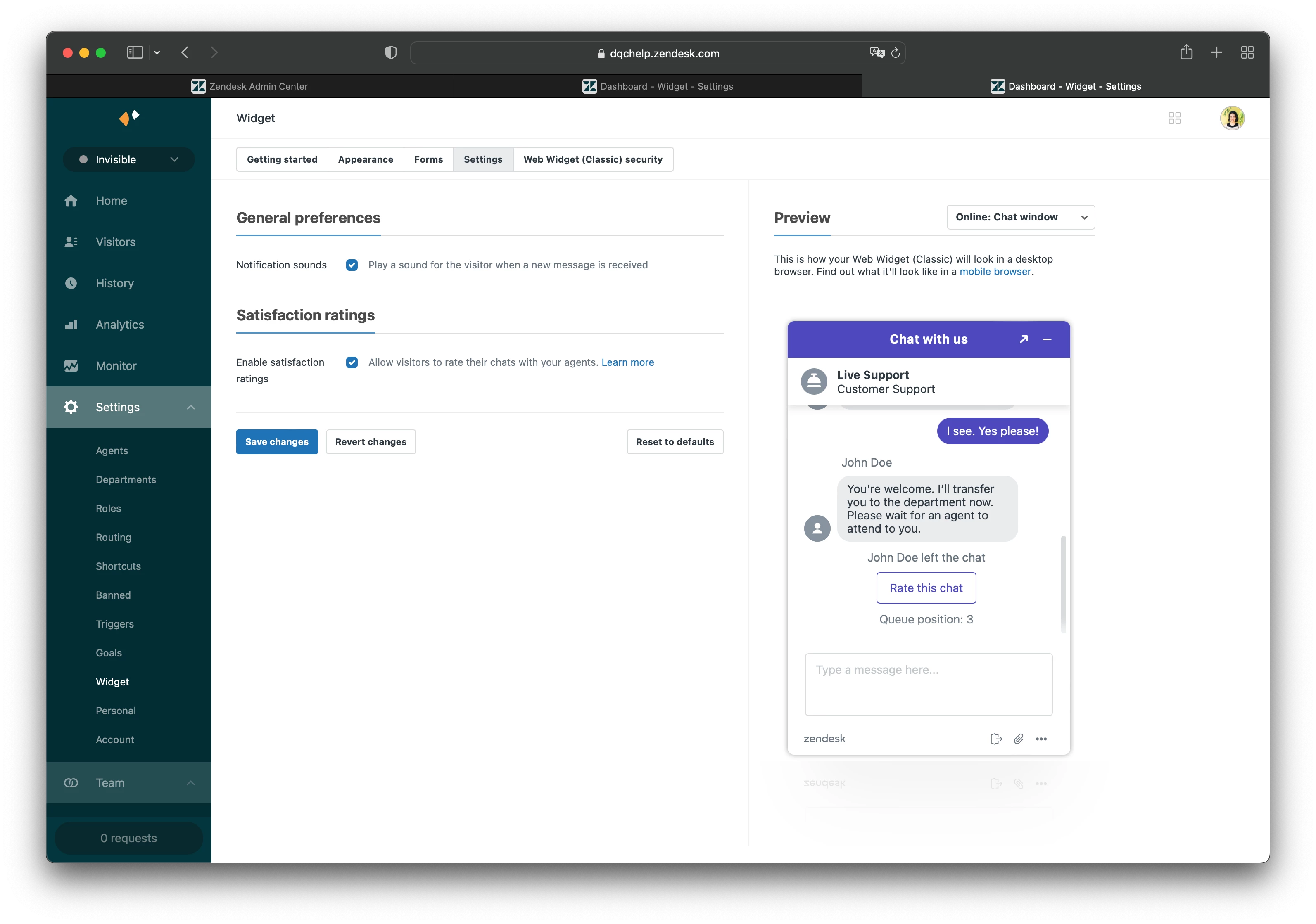
What confuses me as well, once I set "hide widget"

It starts to disappear in the widget configuration, e.g., I thought it would be under "Settings" but there it isn't:
And just in the admin center, I get forwarded to https://dqchelp.zendesk.com/chat/agent

Any clues?

Best,

Johannes


  • Author
  • August 19, 2022

@eric27 do you have any other idea or hint?


Eric27
  • August 19, 2022
Hey Johannes,

I think the confusion is coming from the fact that you're referencing documentation for different widgets that we offer.
 
Your first code snippet is for use with the messaging web widget, you can see the documentation here and API references here
 
Your second code snippet is in reference to the classic web widget, you can see the documentation here and API references here
 
Your screenshots are for the settings of the chat widget, instead you should be configuring chat in the web widget. You can see the documentation for that here.

---

Can you confirm for me what widget it is that you're using? 

Thanks!

  • Author
  • August 22, 2022

Hi Eric,

We had to migrate our account first: https://support.zendesk.com/hc/en-us/articles/4408821531162 this wasn't obvious to us. Maybe for someone else helpful in the future.

Best,

JB