How to change the text color and background-color in a Web Widget (Classic) | Community
Skip to main content

How to change the text color and background-color in a Web Widget (Classic)

  • October 25, 2021
  • 3 replies
  • 0 views

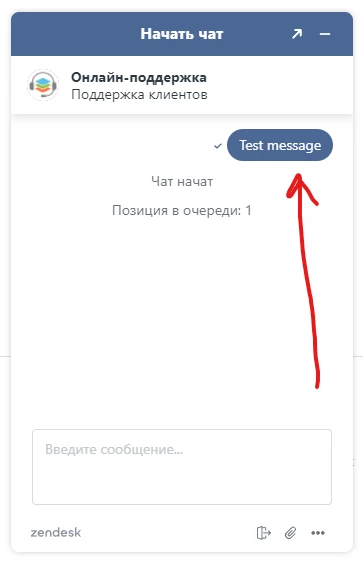
Hi everybody. I want to change the text color and background in the widget.
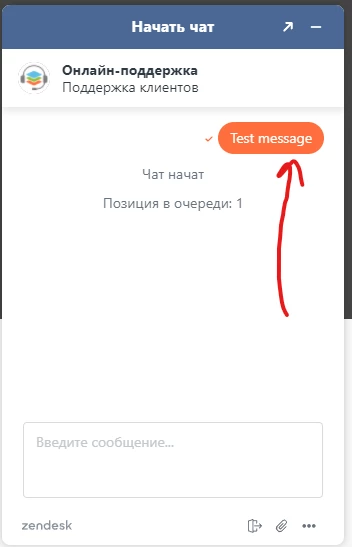

I have studied the documentation and API.

There are some properties there, but there are no properties specifically for a text message.

Please help to solve this problem

3 replies

Tipene
  • October 25, 2021

Hey @mikhail13,

Thanks for reaching out!

The background color of the message bubble will be determined by the theme color set either via the API or in the Admin Center web widget customization page. So for example if you had something like this:

window.zESettings = {
    webWidget: {
      color: {
        theme: "FF0000",
      },
    },
};

That would result in a red theme, with the message bubble background color also appearing as red. Note: theme color defined via the API will take precedence over settings defined in the UI.

The text color for the message bubble can only be defined directly in the Admin Center web widget customization page.

I hope this helps! Feel free to reach out with any other questions.

Tipene


  • Author
  • October 26, 2021

@tipene thanks for your reply
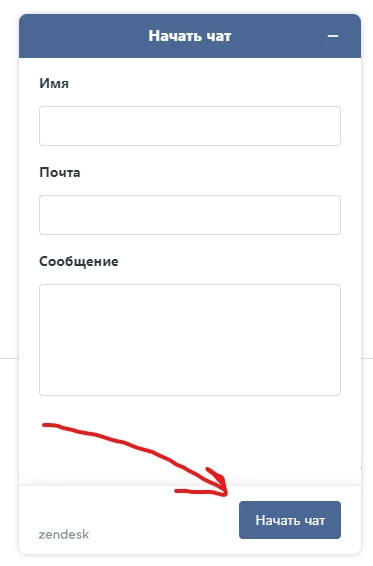
I understood. But if you change the color of the theme, then the "Start chat" button will also change

In addition, if you change the color of the text in the Admin Center, the color will change everywhere. In header, button and text message.

I only want to change the color of the text message.
Is there such an API or can it be changed via CSS?


Tipene
  • October 27, 2021

Hey @mikhail13,

You can change the color of the button using the same zESettings object and updating the button hex code. Note: this will update the color of the button everywhere it appears in the web widget, not just the “Start chat” button.

Unfortunately, the message bubble text can’t be targeted directly so while there are some text elements that can be updated directly via the API, you will need to set the overall theme text color to change the message bubble text.

You can see a full list of customizable color properties here.

Feel free to reach out with any additional questions!

Tipene