Doubled ticket from facebook messenger | Community
Skip to main content

Doubled ticket from facebook messenger

  • July 5, 2021
  • 1 reply
  • 0 views

Since I connected Facebook messenger to our Zendesk platform, there are sometimes doubled tickets. 

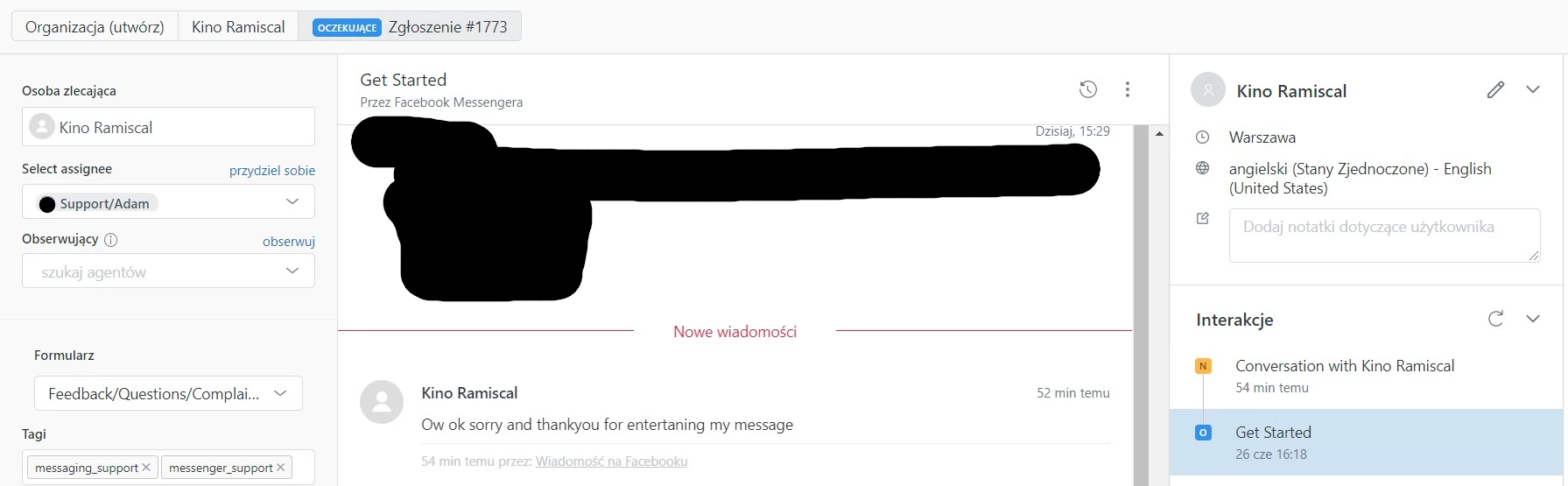
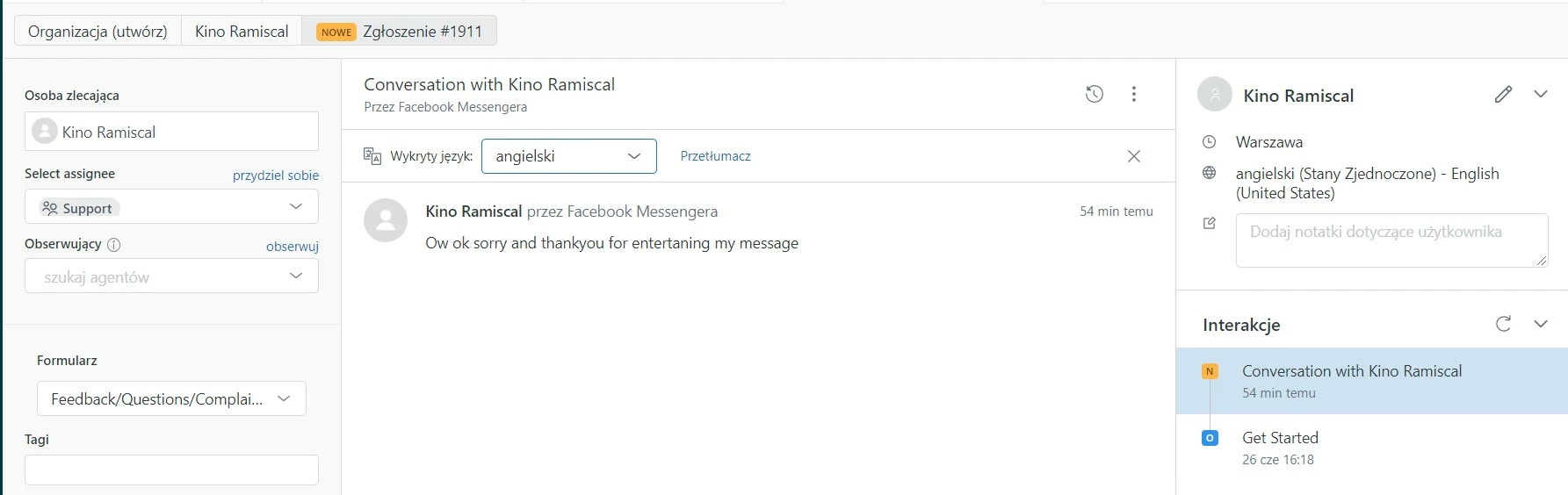
For example, I can have a conversation with my user for let's say 5 hours, and then when he replies, it makes an answer in the current ticket, but also creates a new one. 

Its really annoying, do you know how to fix it?
This topic has been closed for replies.

1 reply

Aubree
  • July 7, 2021

Hi Pawel, 

Usually, duplicate tickets were being created from your Facebook Messenger due to the 2 active Facebook Messenger integration in your account.

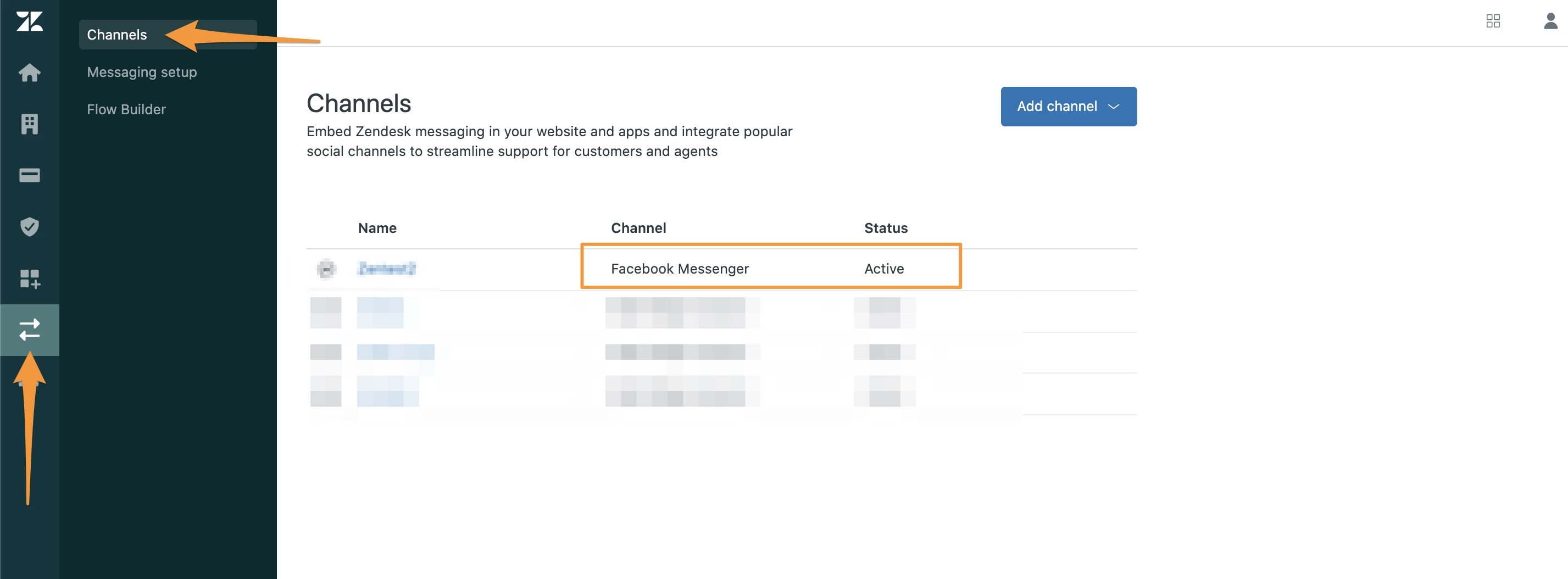
If you have migrated to Agent workspace and added your Facebook Messenger from Admin Center:

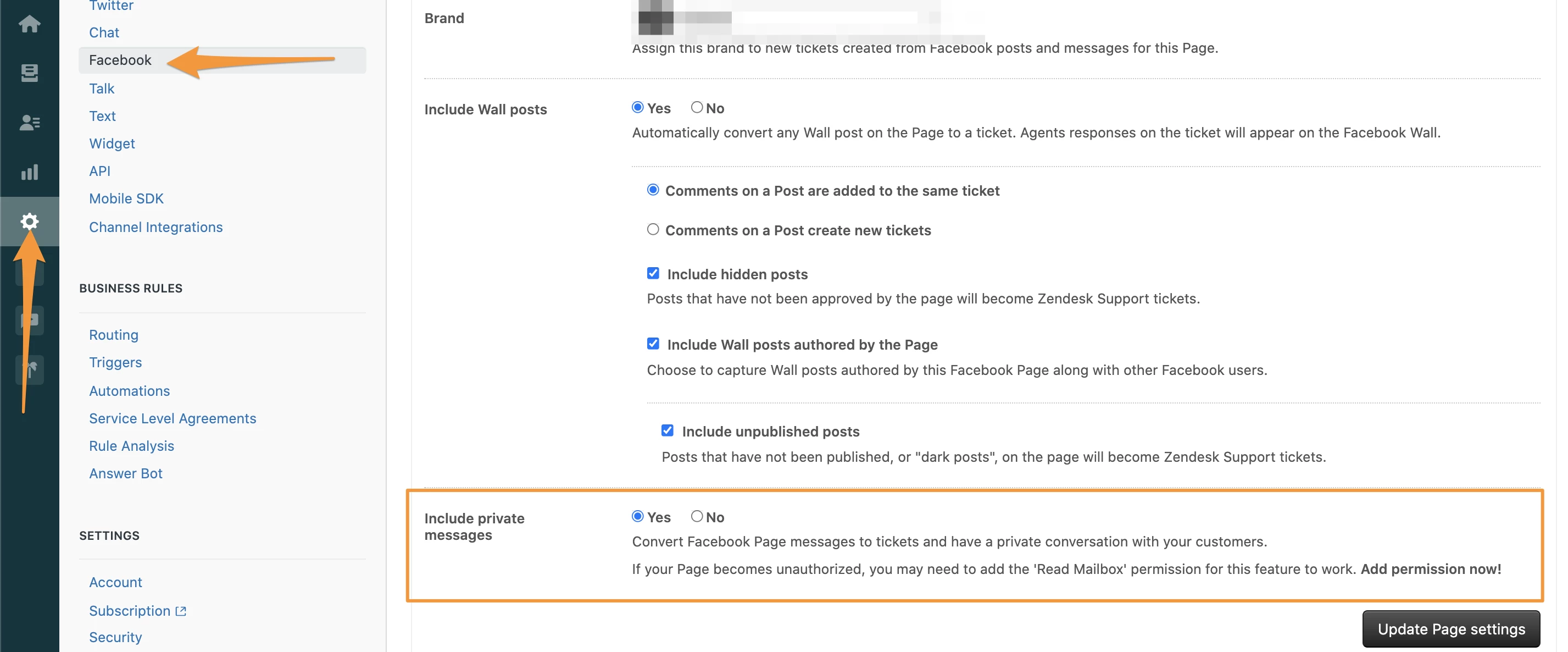
and if the option <Include private messages> has not been yet disabled in your Facebook integration from your Support admin settings:

then it's expected behavior that you will be receiving duplicate tickets. 

As mentioned here, Disabling Facebook Messenger and Twitter DM in your Support admin settings:

If you are migrating to the Agent Workspace, you need to disable private messaging from your current Facebook integration from your Support admin settings, before you add a Facebook Messenger channel to the Zendesk Agent Workspace. 

Immediately after you disable private messaging, you will not be able to receive or send private messages with Facebook Messenger until you finish adding the Facebook Messenger to the Zendesk Agent Workspace. We recommend that you plan accordingly to minimize service disruptions and do not delay setting up the new integration.

If, for some reason, you don’t disable private messaging, duplicate tickets are created when a private message from Facebook is received or a Twitter DM is received. 

To disable your current Facebook Messenger settings

  1. From Support, click the admin icon () in the sidebar and then click Channels > Facebook.
  2. Open a Facebook page for editing.
  3. Disable Include private messages, and then click Update page settings.


I hope that helps!