
Hello Zendesk Team,
I'm facing an issue with the contact form, I'm using web widget classic & can't view or open the contact form, there is no option for the contact form in https://{subdomain}.zendesk.com/agent/admin/widget.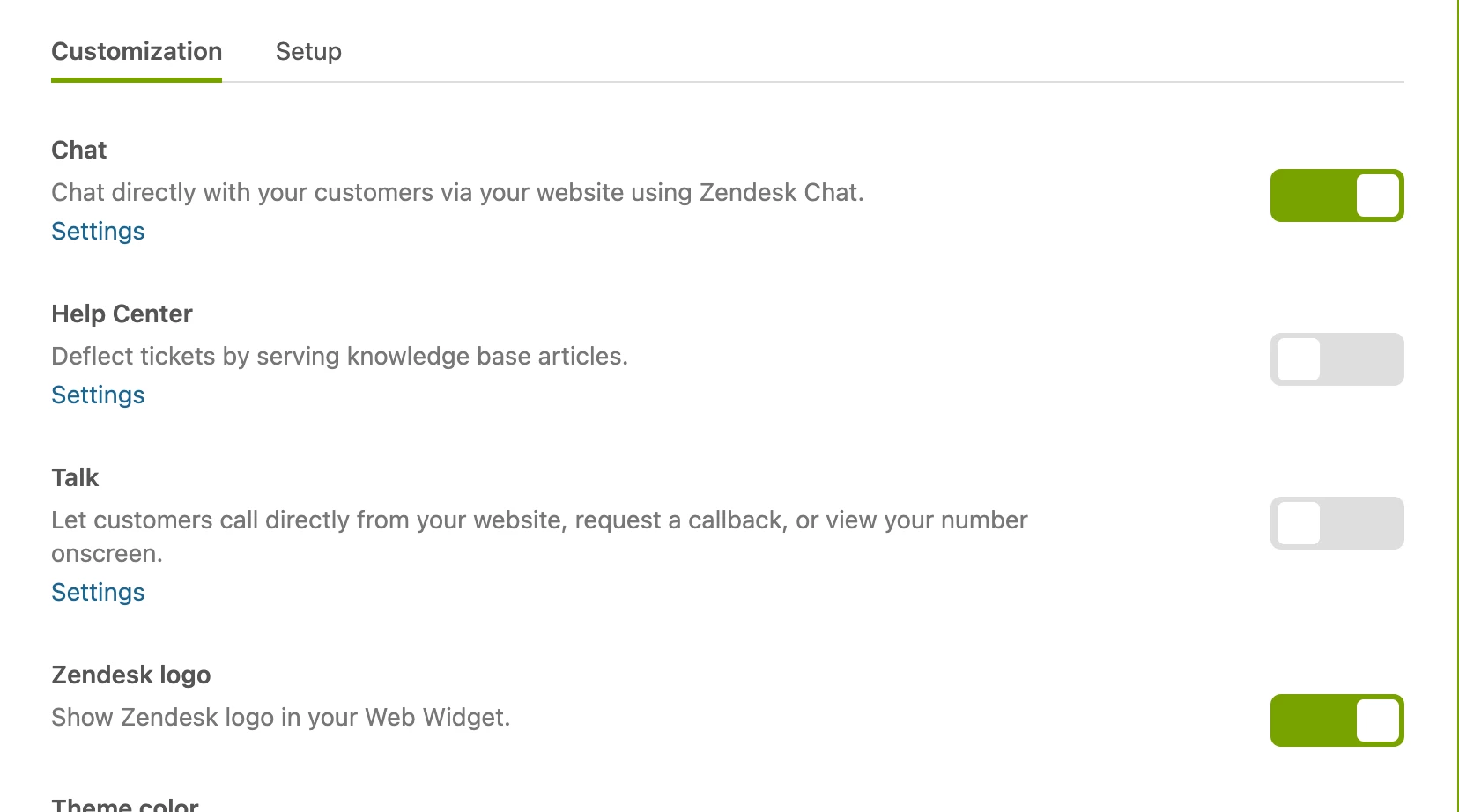
I also checked in https://{subdomain}.zendesk.com/chat/agent#widget/forms but no luck - I can't see the option for contact form
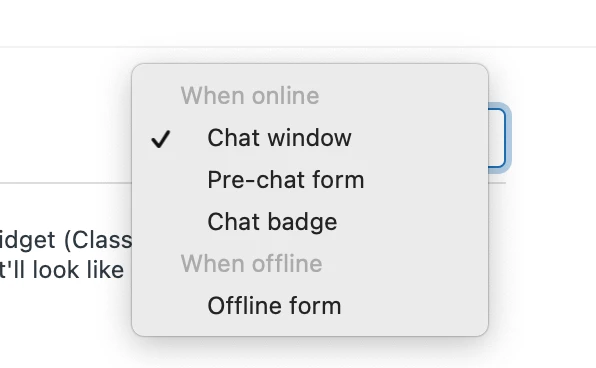
I also tried by suppressing other forms and enabling contact form - but still can't view the contact form. I'm using the professional plan of zendesk. before I viewed the contact form but suddenly it disappeared - I can see the offline form when the agent is offline - can anyone please help here in enabling the contact form - thank you in advance!

Hey Sushmitha,
I hope you are doing well and taking care of yourself! I just wanted to let you know that I'll be reaching out to you on a ticket so we can work on this together. Please keep a look out for my response and we can dig through what could be going on with your account. All the best!
Russell Chee | Senior Customer Advocacy Specialist | Melbourne, Australia