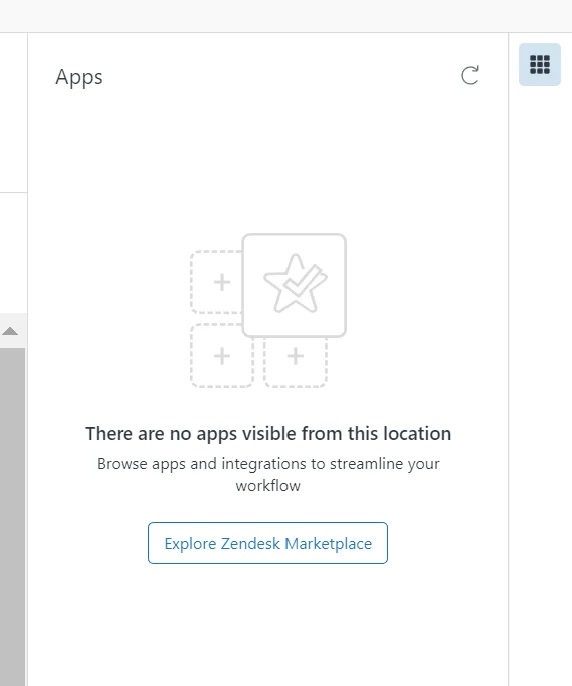
Currently we have couple of applications installed in our Zendesk Instance which is great but I have noticed that it's not showing under User Profile and only under Ticket Level?
Is there a way that application installed also reflects under User Profile?

Why applications only reflect under Ticket Level and not under User Level



Login to the community
No account yet? Create an account
Enter your E-mail address. We'll send you an e-mail with instructions to reset your password.
Currently, it is expected that installed Apps are not displayed on the User Profile page.
We appreciate your feedback though! Hopefully, this is something that can be added in the future. Our Product Managers actively monitor our feedback threads, and conversations with high user engagement ultimately get flagged by the team for roadmap planning. Thank you!