Using URL Target to automate internal comments | Community
Skip to main content

Using URL Target to automate internal comments

  • June 7, 2023
  • 4 replies
  • 0 views

Jake11

Referencing @yaniv11's instructions outlined here:

https://support.zendesk.com/hc/en-us/community/posts/4408860808090-How-to-add-a-popup-warning-message-to-organizations-client-s-tickets-

I tried to set this all up, but when I go to test the URL target (below) I get an error: "Error during transmission: HTTP client call failed". Any ideas?

https://REDACTED.zendesk.com/api/v2/tickets/{{ticket.id}}.json?ticket[comment][public]=false

4 replies

  • June 7, 2023

Hi @jake11

I just double-checked the instructions, and it works. Have you added the Basic Authentication? 


Jake11
  • Author
  • June 7, 2023

Hey @yaniv11

I did, I just used my own credentials. However, we do use SSO, so not sure if that has an impact on this setup.


  • June 8, 2023

Growthdot
  • August 16, 2023

Hi,

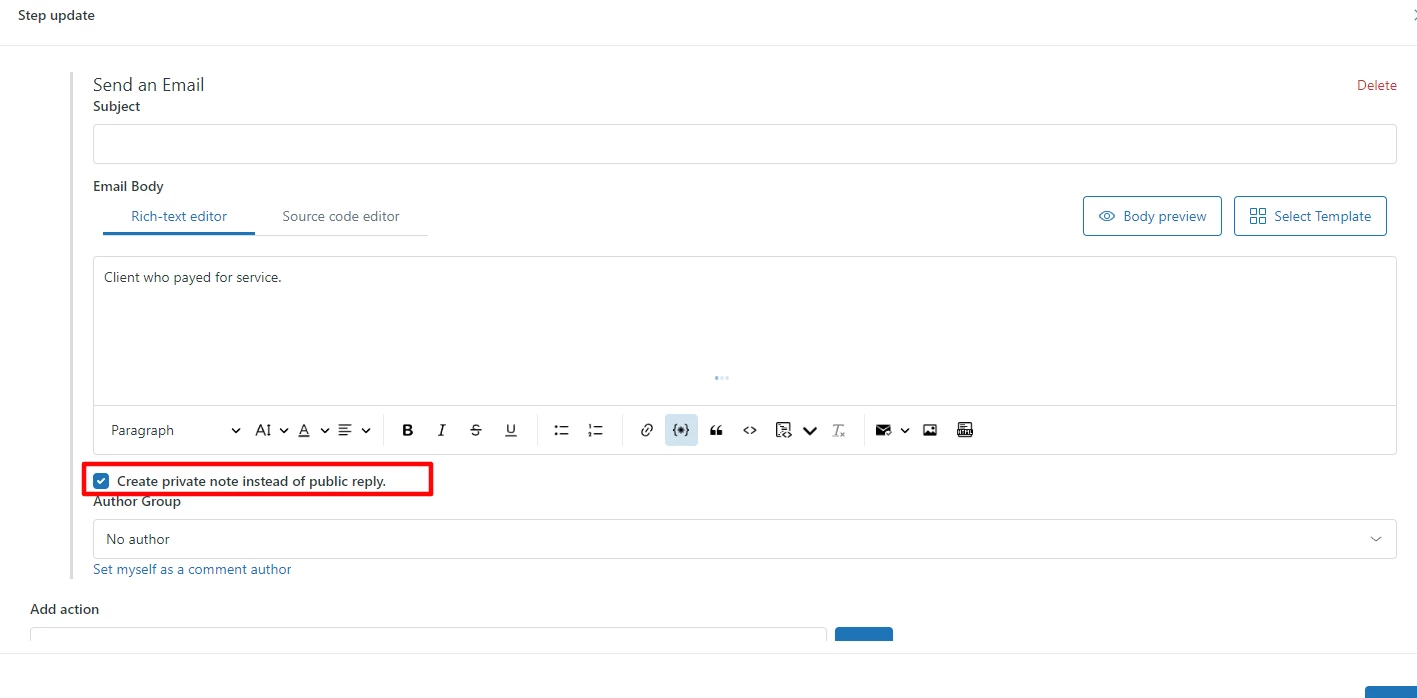
You can automatically add comments to specific tickets with the Proactive Campaigns app. It has a new automation feature, so you can use it to send emails and add internal notes in bulk. The app adds internal notes when tickets enter the list filtered by specific criteria. It's extremely simple to use!