Zendesk Expore - Agent Activity data | Community
Skip to main content

Zendesk Expore - Agent Activity data

  • May 12, 2022
  • 7 replies
  • 0 views

David76

I came from a different reporting solution which allowed me to show agent comment activity over a work day. 

It looked something like this:
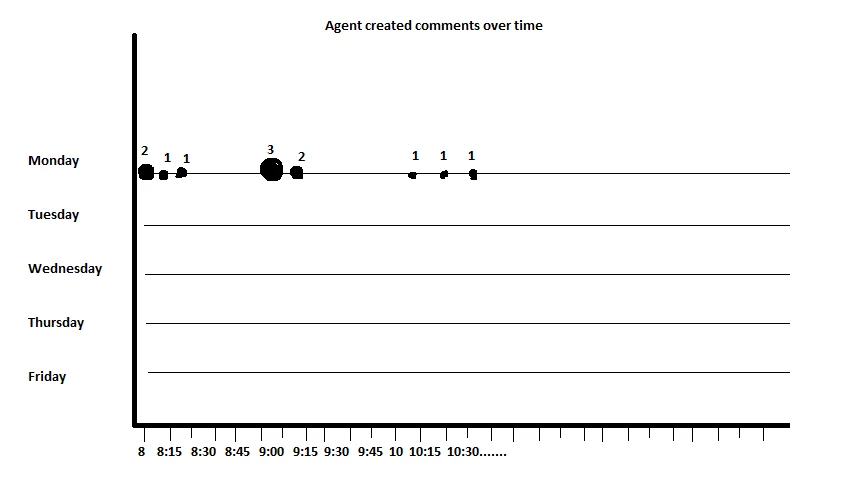
This was crucial for monitoring agent performance remotely. Now that I'm using Zendesk, I cannot seem to find a way to do this using Explore.

Am I missing something?

Sorry if this was a silly question.  

7 replies

  • May 12, 2022

Hi David - Not a silly question at all! A few years back, my boss had asked me to build the same exact type of report but I wasn't able to find a way to achieve this, I'm afraid.

That said, we did end up building a heatmap similar to the one shown here which we have found to be really helpful. You'll want to build this heatmap in the Ticket Updates dataset and use a metric like Agent Comments or even Public Comments, depending on your use case. 


  • May 12, 2022

This is crazy - in the last piece of software I was using the reporting was far superior, and getting agent activity throughout the day was extraordinarily easy. Thanks for the tip with the heatmap, we've been looking at a way to monitor this too. This will hopefully suffice until there's some improvement in the analytics capabilities :)


Lou11
  • May 12, 2022

Would something like this be helpful?

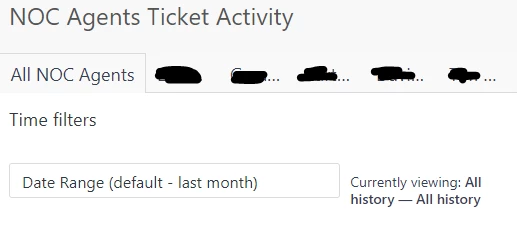
I have this query set up for each agent. I then threw them all in a dashboard, each with its own tab (as well as a tab with all agents), and a selectable date range. Very useful to management.

This is the dashboard with the tabs covered up to protect the names of the guilty :D


David76
  • Author
  • May 12, 2022

Thanks for the quick response @Chandra Robrock

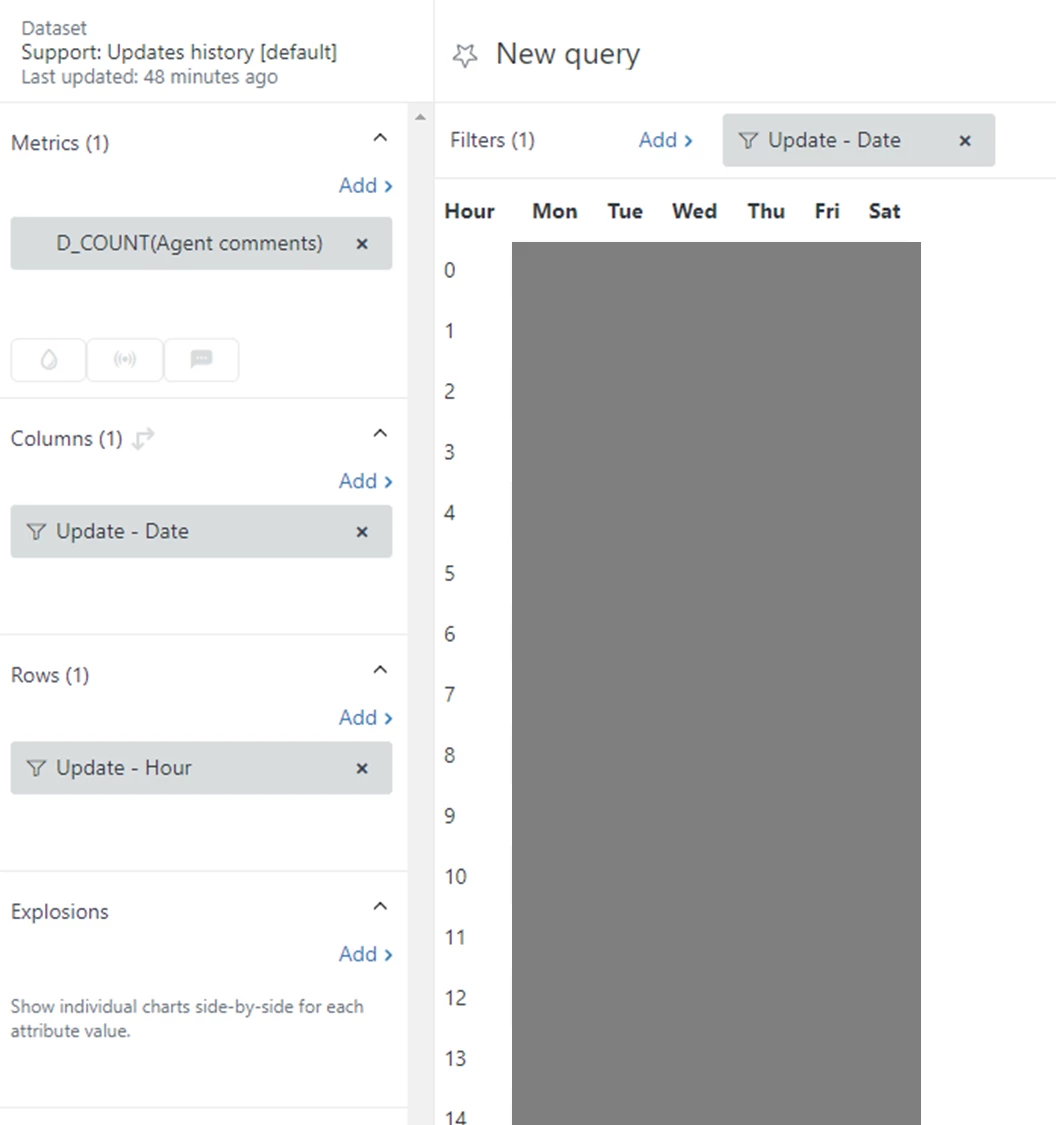
At first I thought.. wow it's working, but then I realised the data was wrong (I don't have any agents updating tickets on the weekend)


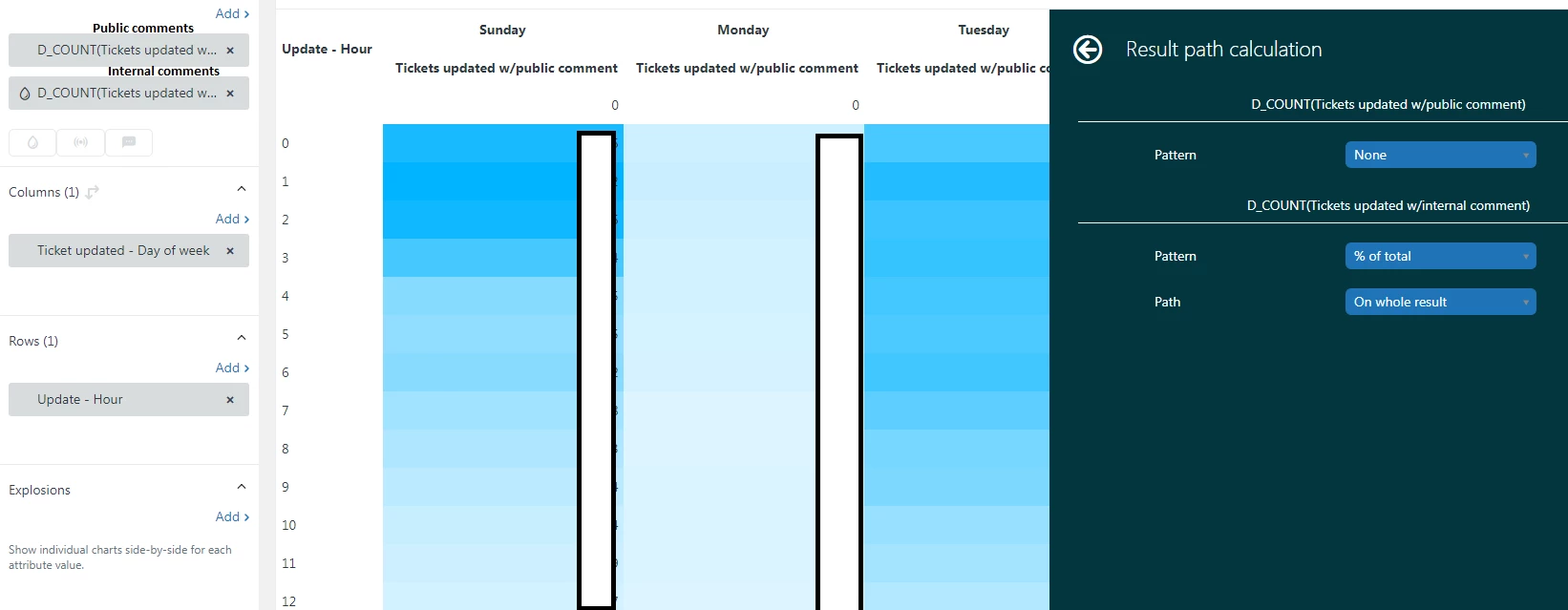
I think the problem here is that I'm unable to map a day of the week by calendar, instead it's showing day updated, and it's aggregating all Mondays etc..

Here is how I've set up the report:


Am I missing something? 


@lou11 I'm unsure how your query is built, are you just showing agents owned tickets and then showing the update date?If so that could be ok for manual checking, but I don't see how that differs from looking at a specific agent profile, and also unsure how you can look at it via a whole group as you're looking at via the ticket level. Sorry if I've misunderstood.


Lou11
  • May 12, 2022

The query shows all activity, no matter who owns the ticket. The date is the update date. As far as the whole group, I just change the agent parameter to include all agents as opposed to 1.

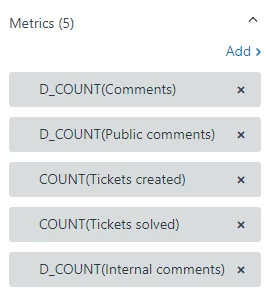
Here's how the query is basically built:


David76
  • Author
  • May 12, 2022

Thanks @lou11 I'll give it a go later. I just spent an hour trying to build the activity heat map and it was a terrible experience.. I need a break lol.

I'll circle back once I've given this one a go. 


  • May 14, 2022

@david76 - to stop the query aggregating all Mondays, you probably want to add a date filter into the mix (e.g. this week / last week)

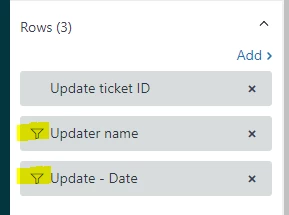
No pretty heatmaps in the below, but for an idea on how I've set this up before: