Hi Team,
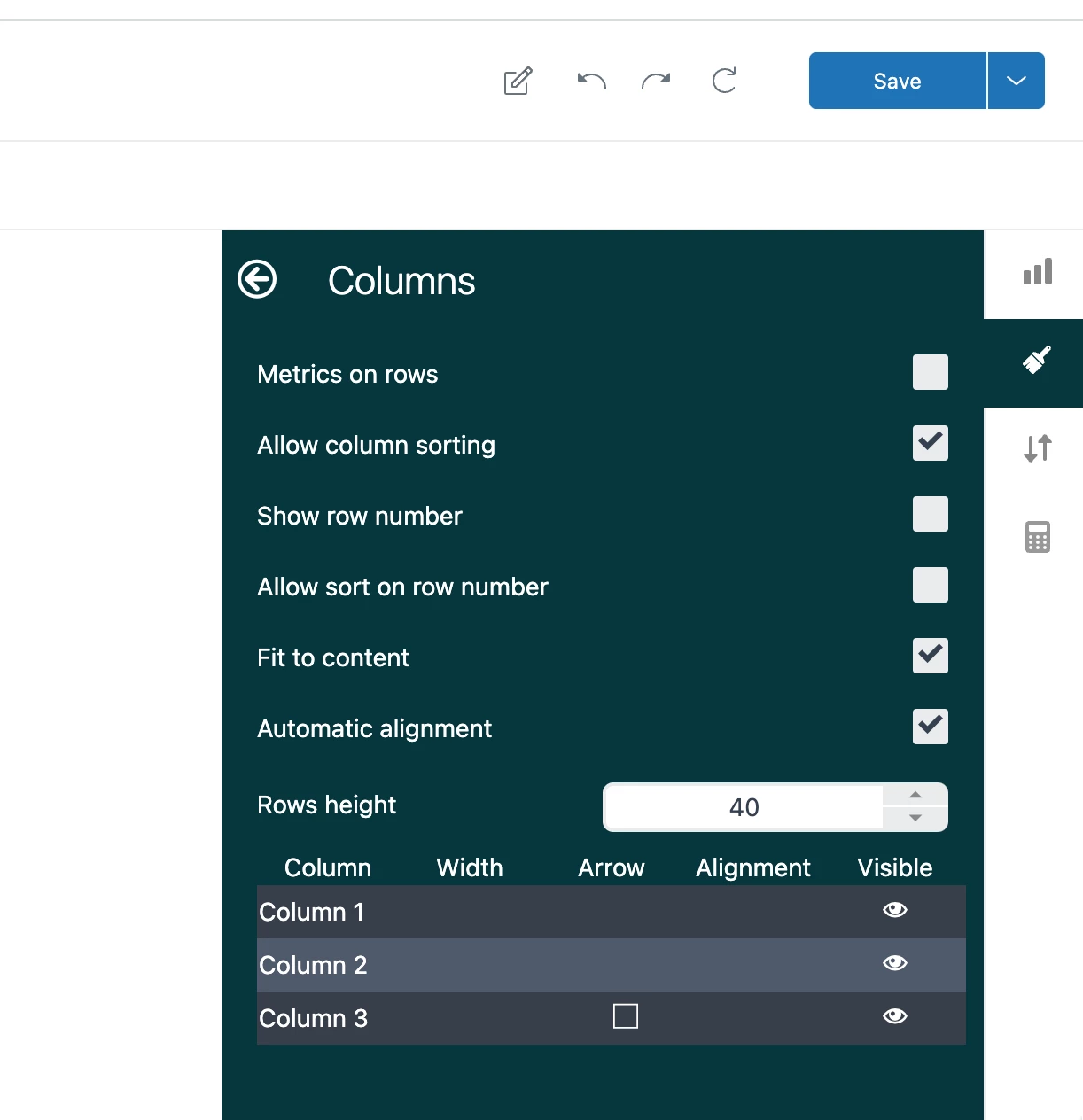
When we create a report in Explore, we use a particular attribute in a column for calculations. However, the client wants that column to be hidden (similar to Excel) when the report gets generated.


Hi Team,
When we create a report in Explore, we use a particular attribute in a column for calculations. However, the client wants that column to be hidden (similar to Excel) when the report gets generated.
No account yet? Create an account
Enter your E-mail address. We'll send you an e-mail with instructions to reset your password.