
In Good Data there is a way to remove filter options that do not apply. I'm trying to figure out how to do this in Explore.
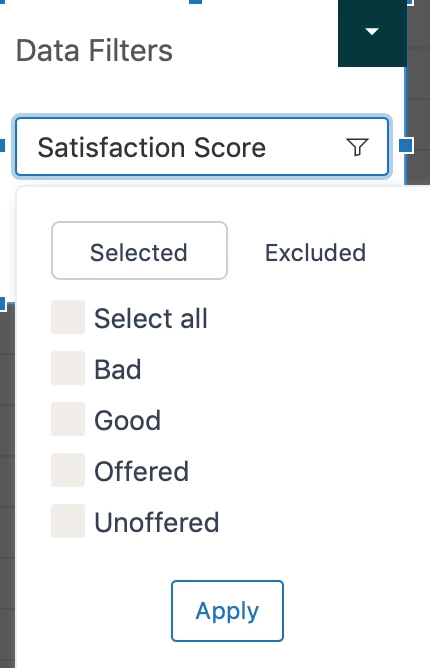
Use case: I have a report that only shows data for rated surveys (good or bad). However, when I apply the Data Filter: Ticket Satisfaction Rating, it shows options for Bad, Good, Offered, Unoffered. I would like to remove Offered and Unoffered from the filter options, since they do not apply.
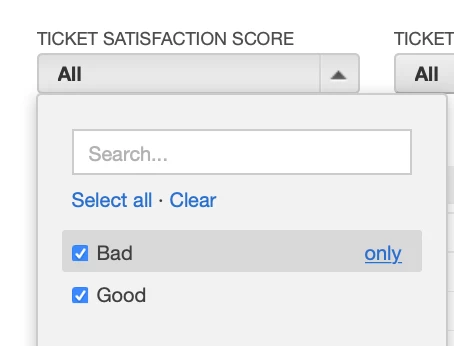
Here is a screenshot of how I have the Good Data version of the dashboard set up

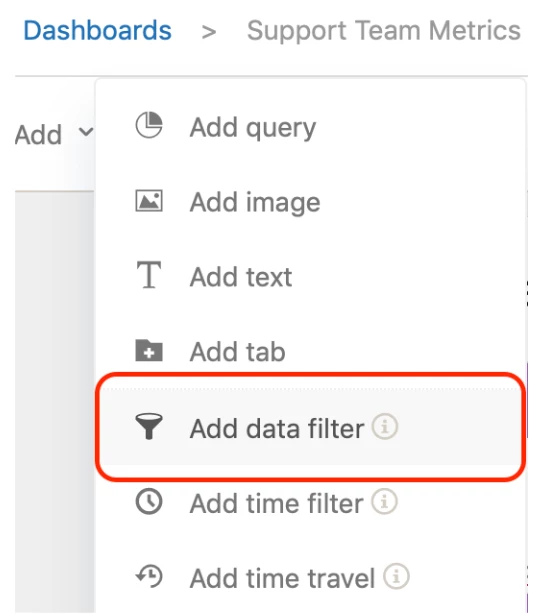
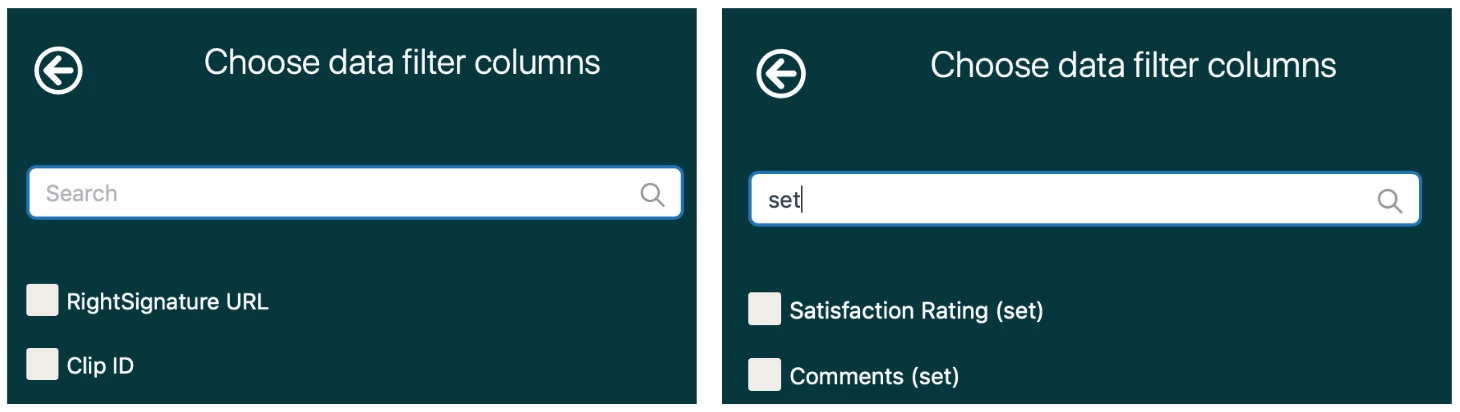
Thanks for sharing your solution Stacy! This is super helpful :)