
Has anyone figured out a way to enter custom date groups/ranges? I'm looking to create some reports but with the financial year and quarter being used on the X axis but struggling.
I've tried creating groups for the months, and naming them Q1, Q2... but the idea falls over because our financial quarters overlap the calendar years (2022 May 1st to 2023 April 30th).
Kind regards,


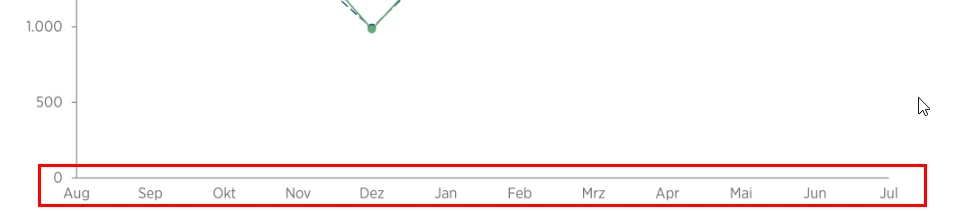

Thanks for your question. To custom sort the months on the X-axis starting from August for your fiscal year, you might want to try using ordered sets in Zendesk Explore. Ordered sets allow you to define a custom sort order for your dimension values, which would work perfectly for this use case.
Here is a helpful article on how to use renamed and ordered sets to change displayed values and sort order in Explore:
Explore recipe: Using renamed and ordered sets to change displayed values
Using an ordered set, you can specify the month order beginning with August and have your report display the months correctly along the X-axis.
I hope this helps!