

I've tried a number of options but can someone please advise how to add a data filter on a dashboard in explore so that it only shows true Agents and not all the End users?
The report itself has a filter to only include 5 agents and only "Agent" roles:
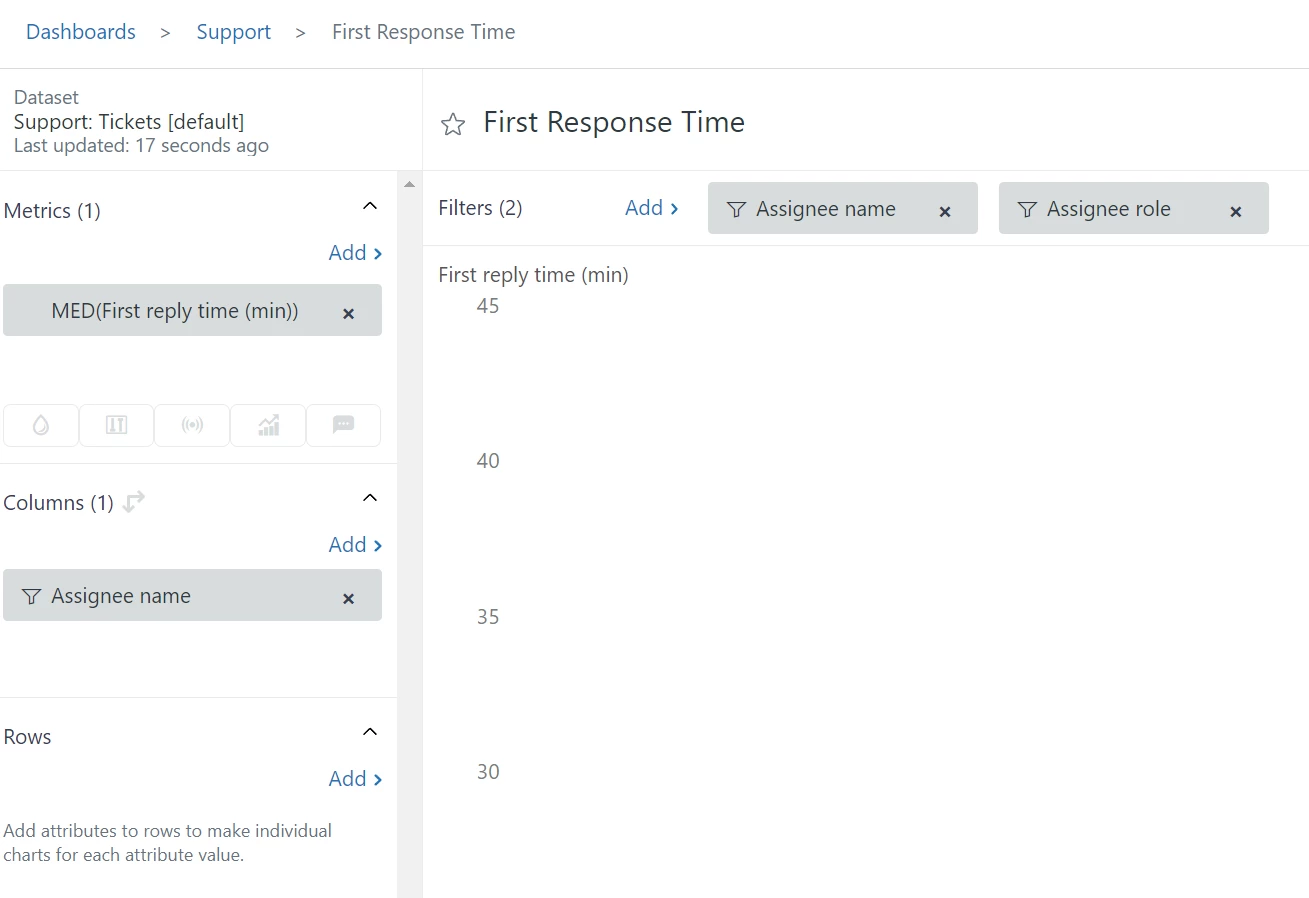
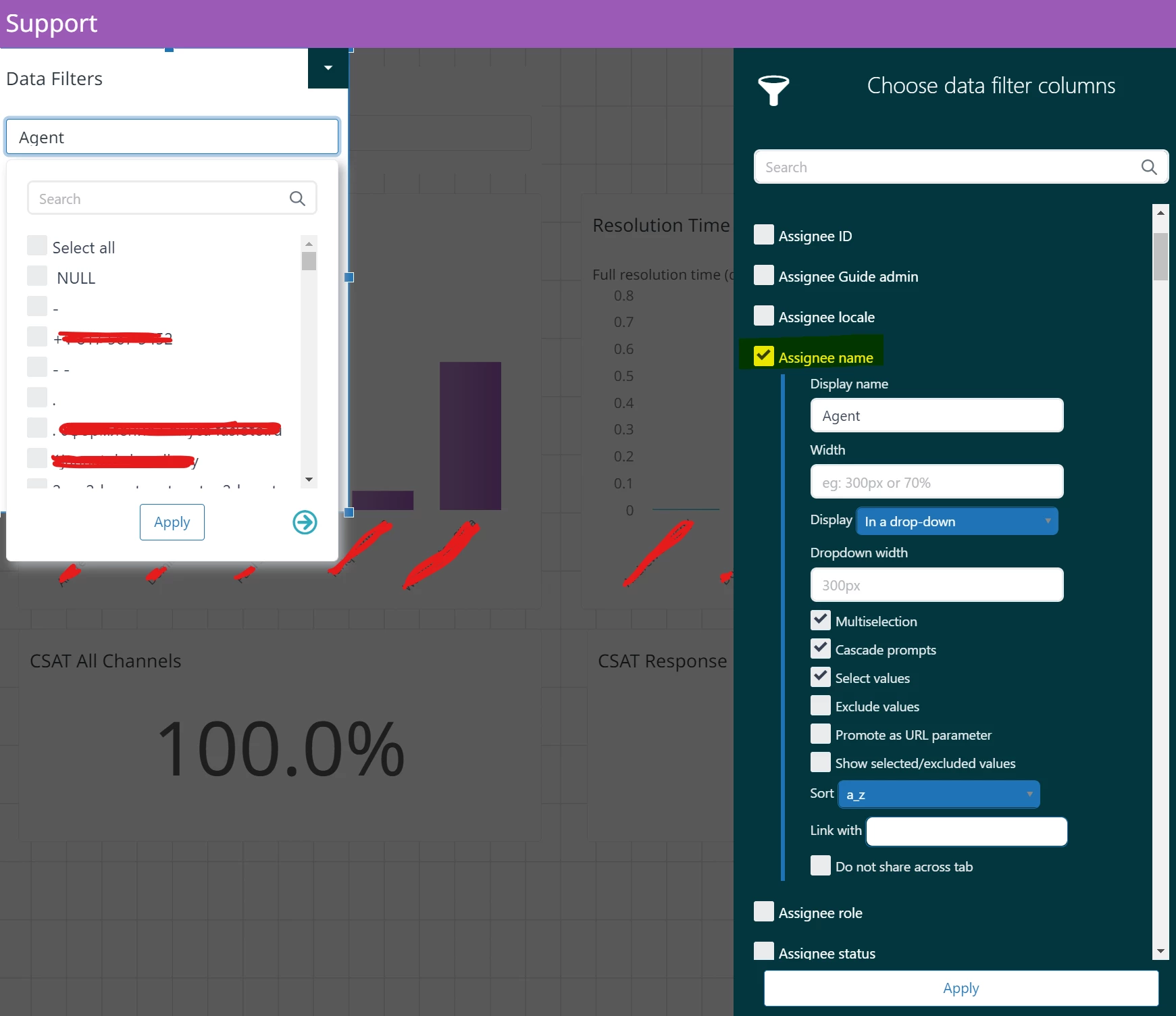
The data is filtered correctly, but on the dashboard, when I add a Data filter it's showing every single user in the system, when I only want the 5 agents I've selected in the report filter...
Thanks,
James

As of the moment, it is expected behavior for end users to show in your list of assignees when you add the Assignee name filter from the Support: Tickets [default] dataset to a dashboard. This is a product of the way the dataset is currently structured.
Explore team is currently working on improving this area of the datasets so, end-users will be filtered out from attributes like Assignee name, Call agent name and Chat agent name.
As a workaround, I found an article that discusses this:
Why do end users show in my assignee filter on my dashboard?
I hope this helps! Thank you.