Hi,
I am looking for a solution since one hour but simply cant find it.
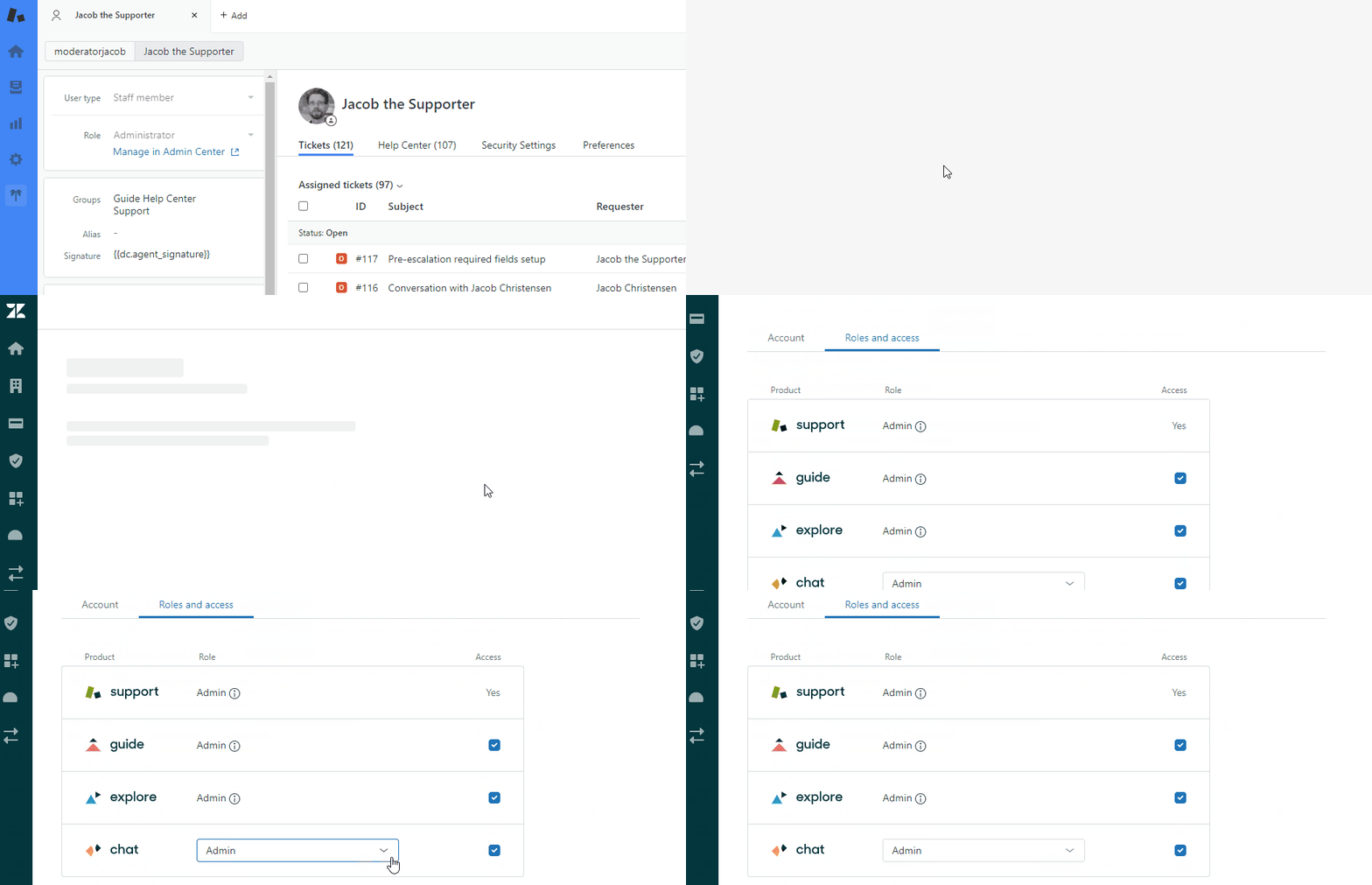
We have the Zendesk suite Growth Plan. I am the whole account owner and there are 3 other admins. Within the Zendesk Support Workspace I cant get the top bar (where you set you status to online, invisable etc) activated for one admin. The whole conversion bar is simply not there. I do have the login data from the admin and replicated all my settings (such as activate messaging for this admin) but it doesnt work.
Hope you guys can help.