

Hello all,
I am trying to bulk import a .csv (correctly formatted) which will update the email address to all of our internal Zendesk users. For some reason, it succeeds for the first 13 users and then it fails for all the rest with the error message "Name: is too short (minimum one character)".
I looked around for this error message and followed all the advise I could find but nothing changed. Any idea what I might be doing wrong during the bulk import?
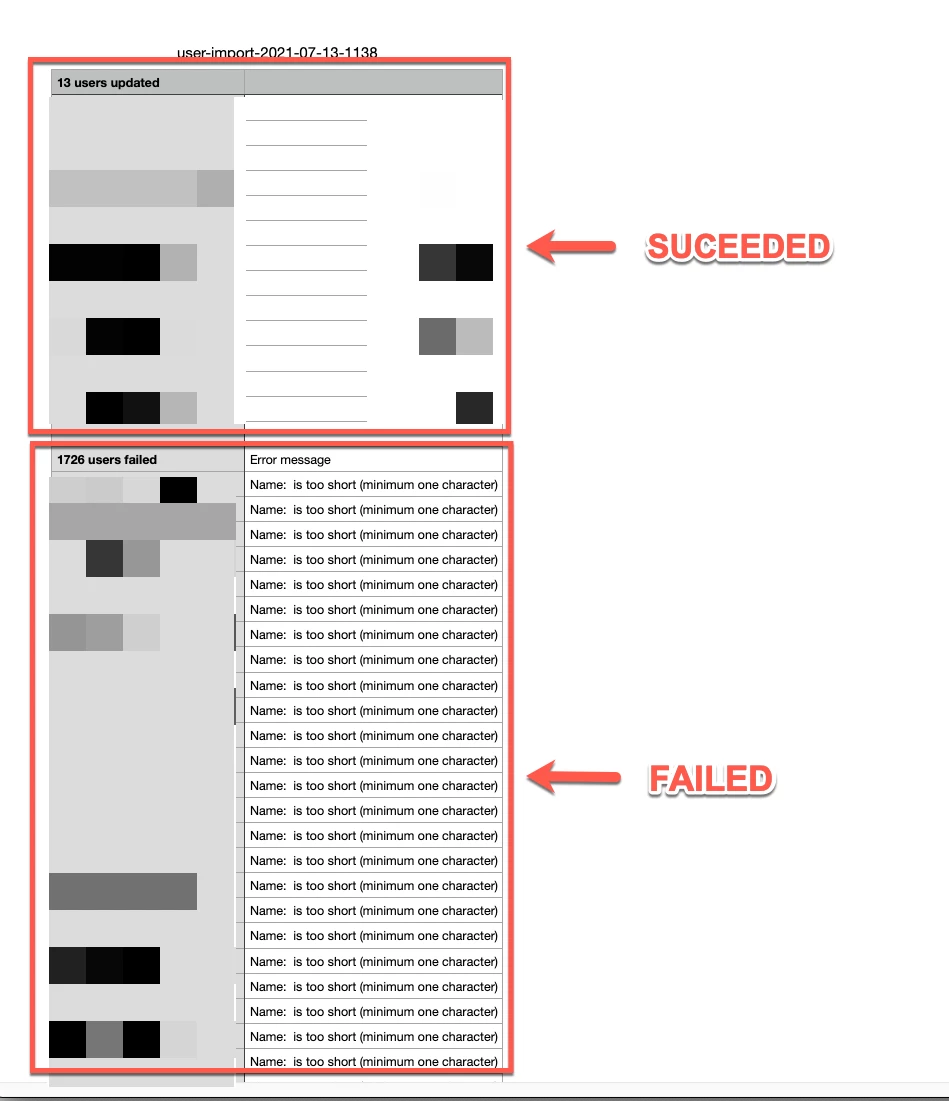
My .csv has the following format:
| external_Id | |
| email1@address.com | xxxxxxxx |
| email2@address.com | xxxxxxxx |

Hey, Lefteris!
One instance that this error can occur is when a user/s is being updated using the external_id as a matching reference, but no existing user in your Zendesk account is found by that external_id.
If that’s the case, the system will attempt to create a new user using the external_id present in the CSV file. If the CSV file does not contain a name value, it will then present the error that you’re seeing on your end.
Can you take a look at the users you are trying to update to see if they have External IDs associated with them? You’ll see this on the user profile in Zendesk, at the bottom of the left side column.
Thanks!
Tipene